Key Takeaway
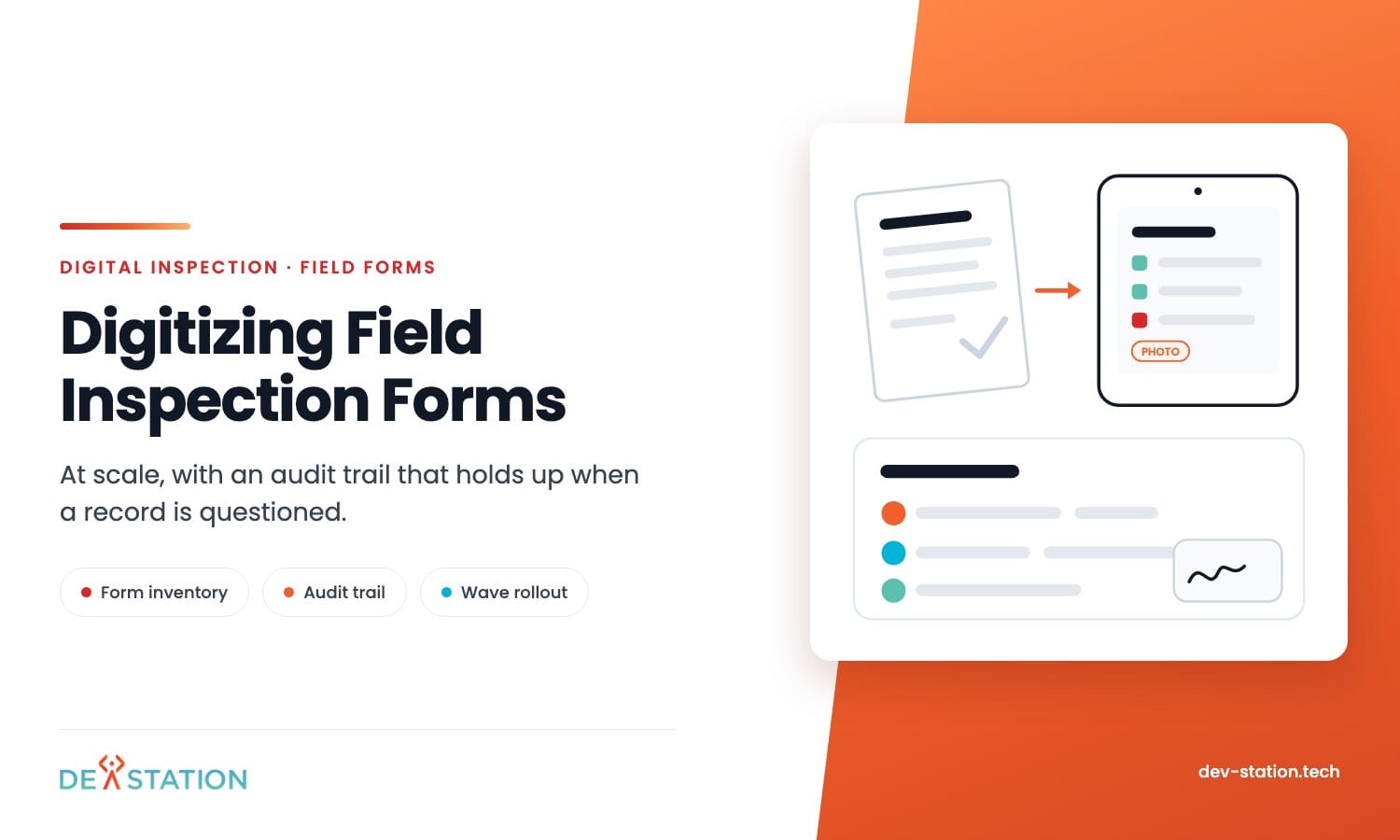
- Digitising one form is a weekend. Digitising two hundred across several teams is a programme, and the difference is governance, not software.
- Start with a form inventory. Most estates find a third of their forms are duplicates or dead before anything gets built.
- An audit trail is six things: who, when, where, which form version, what changed, and evidence bound to the answer.
- Do not photocopy paper into a screen. Rebuild each form with required fields, conditional logic and pick lists, or you keep every flaw the paper had.
- Roll out in waves, run parallel for one cycle, then remove the paper. Forms nobody retires get filled in twice.
Overview
01
One form is easy, two hundred is a different job
Any team can put one checklist on a phone. The trouble starts at the tenth.
By then two departments have made their own version, nobody knows which is current, and the reports coming back cannot be compared. That is the real problem of field inspection digitization, and it is a governance problem before it is a software one.
The audit trail is the other half. A digital record is only worth more than paper if it can prove who did the work, when, where, and against which version of the form.
If you are earlier in the journey, the basics are in our guide to the benefits of digital inspection. This piece is about doing it at scale without losing control.
Inventory
02
Count the forms before you build anything
Ask each team for every form they actually use, including the ones kept in a drawer. Expect surprises.
Most estates find three groups: forms in daily use, forms that duplicate another team’s version with two fields changed, and forms nobody has completed in a year. Only the first group needs building.
| Record for each form | Why it matters |
|---|---|
| Volume per month | Decides build order. High volume first, always |
| Who completes it | Employees, subcontractors or customers, which changes access design |
| What triggers it | A schedule, a job, a delivery or an incident |
| Required output | An internal record, a customer certificate or a regulator submission |
| Retention period | Statutory records often outlive the contract that created them |
| Owner | The person allowed to approve a change to it |
That last row saves the most pain. A form with no named owner becomes a form anyone edits, and inside a year you are back to several versions.
Order the build by volume, not by who asked loudest. The form completed four hundred times a month pays for itself in weeks, while the one used twice a year can wait or stay on paper.
Write the list down and share it. A visible order stops every team believing theirs is next, which is the usual reason these programmes stall in month two.
Audit Trail
03
What a real audit trail contains
Auditors and customers ask narrow questions. These six pieces answer nearly all of them.
Identity and time
Who completed each answer and when, taken from the device at capture rather than at upload. A record stamped at sync time is wrong for every inspection done offline.
Location where it matters
GPS on a site inspection is evidence. On a bench inspection it is noise, and collecting it anyway creates a privacy question you did not need to answer.
Form version
Every record should carry the version it was captured under. When the checklist changes next spring, last year records still have to make sense against the questions actually asked.
Edit history
If an answer can be changed after submission, the old value has to survive with a reason and a name. Silent edits turn a legal record into an unreliable one.
Evidence bound to the answer
Photos and signatures belong to the line item they prove, not to the report as a whole. Bound evidence survives partial uploads and makes review possible.
Retention and export
Decide how long records live and how they leave. Teams in the United Kingdom hold to GDPR and ISO 27001, and teams in the United States to SOC 2 or HIPAA where a client requires it.
Form Design
04
Rebuild the form, do not photocopy it
Paper forms carry decades of workarounds. A box that means three things, a free text field that should have been five options, a section everyone skips.
Copying that onto a screen keeps every flaw and adds tapping. Rebuild instead, and use what the screen can do that paper cannot.
Make the fields that matter required, so a report cannot be submitted half done. Replace free text with pick lists wherever the answers are known, because free text cannot be counted later.
Use conditional logic to hide the questions that do not apply, and attach the photo prompt to the answer that needs proof. A fail should ask for evidence without the inspector remembering to add it.
Keep the wording of any question that carries legal weight. A LOLER or PUWER check, a fire door inspection, a food safety step: those are worded the way they are for a reason, and a helpful rewrite can invalidate the record.
Everything else is fair game. Shorten it, split it, or drop it if nobody has used the answer in two years.
A useful test: count the taps for the most common completion path. If a routine inspection takes more taps on the phone than it took ticks on paper, the form is not finished.
Rollout
05
Rollout in waves, then remove the paper
Big-bang rollouts fail quietly. People keep a paper copy as insurance and you end up paying for both.
Run waves instead. Start with the highest volume form in one team, run it in parallel with paper for one full cycle, then compare the two sets of records and fix what the digital version missed.
After that cycle, retire the paper version properly. Take it off the shared drive, out of the printer tray, and out of the induction pack, or it comes back.
Watch the first week closely. The questions people ask on day one tell you which fields are confusing, and fixing those before wave two costs almost nothing.
Training is short if the form is good. Fifteen minutes on the phone, on site, beats an hour in a meeting room every time.
Failures
06
Four ways this goes wrong at scale
None of these are software faults. All four are common.
- No owner per form. Anyone can edit, so versions multiply and reporting stops being comparable across teams.
- Free text everywhere. The data looks complete and cannot be counted, so the first management report has to be assembled by hand.
- Paper left running. Teams keep both, effort doubles, and the digital record is treated as optional.
- No plan for old records. Five years of PDFs sit outside the new system with no link to the asset, so an audit still means searching two places.
There is a fifth that only shows up later. Nobody defines who can change a live form, so a small edit lands mid-cycle and half the month’s records answer a different question from the other half.
The last one deserves a decision rather than a drift. Bring one full statutory cycle into the new system properly indexed, and leave everything older in an archive that can be searched by site and date.
Action
07
A first ninety days that works
This order keeps the effort small and the risk visible.
- Inventory every form. Volume, owner, trigger, output, retention. Delete the dead ones before building anything.
- Pick the three highest volume forms. They carry most of the workload and prove the case fastest.
- Rebuild them properly. Required fields, pick lists, conditional logic, photo prompts on the answers that need proof.
- Run parallel for one cycle. Compare digital records against paper, and count what the digital version failed to capture.
- Retire the paper and move to the next wave. Then repeat with the next three forms, using the same template rules.
Dev Station builds field inspection systems where the audit trail is designed in from the start, and just as often we digitise a form set for a team that already owns a platform. The work usually begins with the inventory rather than with screens. For the step by step view of a single process, see our guide on how to digitize an inspection process.
Our engineers work from Vietnam with overlap into US Eastern, US Pacific and UK GMT hours, and we invoice in USD or GBP. Send us your three busiest forms and we will come back with what they look like rebuilt, and what the audit trail needs to hold.
FAQ
08
Frequently asked questions
The questions that come up once a form estate passes ten forms.
How do you digitize field inspection forms at scale?
Inventory every form first, then build the highest volume ones properly rather than all of them at once. Rebuild each form instead of copying the paper layout, run one cycle in parallel, and retire the paper before moving to the next wave.
What makes a digital inspection record audit ready?
Six things: who completed it, when and where, the form version used, a full edit history, evidence bound to each answer, and a retention rule with a usable export. Missing any one of them weakens the record when it is questioned.
Should we move historical paper records into the new system?
Usually only one statutory cycle. Indexing thousands of old PDFs against assets is expensive, and untagged history adds little to reporting. Keep older files in an archive searchable by site and date.
How long does it take to digitize a set of forms?
Three well chosen forms usually take four to six weeks including a parallel run. The limit is rarely the software. It is how quickly each form gets an owner and a decision on what stays.
Want an AI assistant to summarize or cite this guide?
Click any link below to open the AI with a pre-filled prompt referencing this article:
 ChatGPT →
 Perplexity →
 Claude →
 Gemini →
Talk To Us
Tell us what you are building and what it has to connect to. An engineer answers, and you get a straight view of what the work would take.
Get In Touch →