


Dev Station Technology

Cloud consulting

Cloud consulting that starts with whether to move at all

We assess what runs where, tell you whether moving pays, and plan the landing zone if it does. Accounts stay in your name, and the honest answer is sometimes to leave things alone.

What an assessment answers

Move or stayWith a cost band for each
Which providerAzure, AWS or what you run today
How to moveRehost, replatform or rebuild
Where data sitsRegion and residency rules
What it costs to runAnd who can explain the bill

The written view comes before any migration quote.

2Clouds in production for clients: Azure and AWS
0Client cloud accounts we have ever held
1SaaS platform moved onto client-owned infrastructure
Day 1The way out of the engagement is written down at the start
What changes

From someone else holding the keys to accounts you own

Where a consulting engagement leaves you
Before

A supplier-owned estate

  • The account sits in a supplier name
  • Systems depend on things nobody documented
  • A monthly bill nobody can attribute
After

An estate you own

  • Accounts in your name, with access you can revoke
  • Environments built from the same definitions
  • Costs tagged, with alerts that reach a person

We have never held a client cloud account, and we will not start.

Fit check

Is moving the right call for you?

Pick us when

  • Somebody else holds the keys to the account your systems run in
  • Data sits in a region your policy does not allow
  • Platform or licence fees now exceed the cost of running it yourself
  • The bill arrives monthly and nobody can explain it

Look elsewhere when

  • Nothing is broken and the bill is what you expected
  • You can deploy without a meeting
  • Nobody is blocked waiting for infrastructure
  • Your data already sits where the rules require
How an assessment runs

Four steps, and the first one decides the rest

From inventory to cutover
Step 1

Assessment

What runs where and what it depends on. Half the systems in a typical estate depend on something nobody documented.

Step 2

Decision

Move, stay, retire or retain, with a cost band for each. Retire and retain cover more machines than anyone expects.

Step 3

Landing zone

Accounts, networks, identity and guardrails built before the first service, so the estate does not grow by accident.

Step 4

Move and cutover

Rehost, replatform or rebuild, then the cutover, which is the only part anybody sees.

The assessment is the step people skip, and it sets the size of the whole project.

Technologies

What we run in production

This list is what we deployed and handed over. It is shorter than what the clouds offer.

AWS logoAWSAzure logoAzureDocker logoDockerKubernetes logoKubernetes
HashiCorp Vault
Keycloak
Prometheus
Grafana
Builds

Two clouds, one rule about ownership

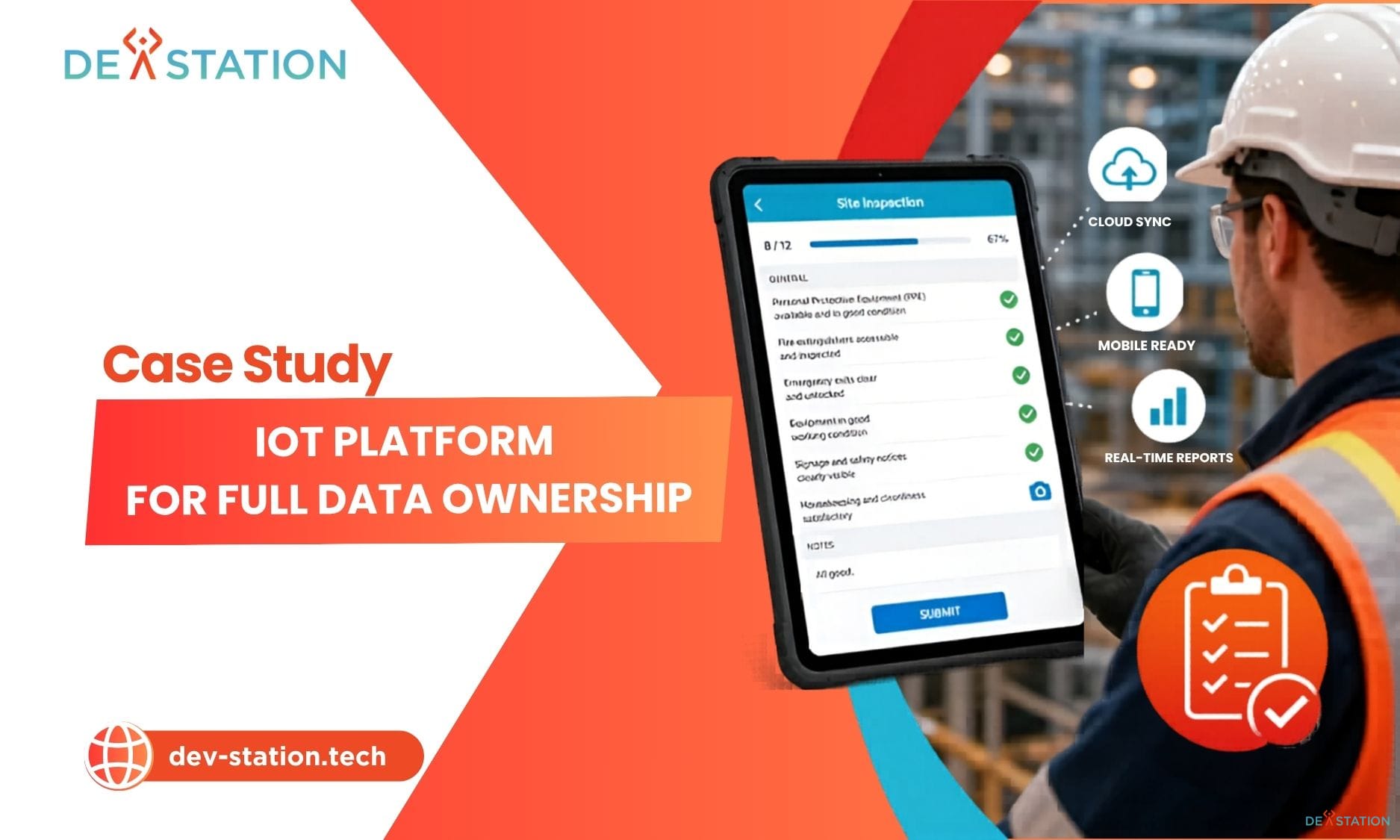
IoT Core Engine self hosted platform built by Dev Station
Case study, IoT platform

A platform designed so the client could host it themselves

IoT Workz was locked into a SaaS vendor with fragmented integrations. The brief was ownership. We built on Docker and Kubernetes with Keycloak for identity, Vault for secrets, Kafka and TimescaleDB behind it, and Prometheus with Grafana watching the whole thing.

100%Platform ownership after handover
National education analytics platform rebuilt by Dev Station
Case study, Norway

A school data platform on AWS

The platform had to meet national educational data protection rules while years of sensitive records moved across. The cloud work covered the region and the security testing alongside the migration.

ZeroRecords lost in the migration

Tell us where it runs today

Three fields. An engineer reads it, and you get an answer within one working day.

  • We look at ownership, region, cost drivers and how you deploy
  • You get a written view on whether to move, with a cost band
  • No obligation, and no phone number needed to start
FAQs

Questions we get on the first call

Which cloud provider is best for us?

It depends on the stack you run today, the region rules for your data and who will operate it after handover. We run production on Azure and on AWS. Azure often fits platforms that started on the Microsoft side, and AWS fits where the client already runs there.

How do you keep cloud spend under control?

Tagging, separate environments and a look at what runs unused usually explain a bill within a week. After that come budgets and alerts that reach a person.

What is the difference between migration and cloud-native development?

Migration moves an existing system, either as it is or with managed components swapped in. Cloud-native development rebuilds the system for the cloud. The assessment tells you which one pays.

Do you need access to our cloud account?

Yes, for the work, and you grant it and can revoke it at any time. The account stays in your name, and we have never held a client account.

Find out who actually owns your infrastructure

Thirty minutes is enough to tell you whether a move would pay, and what the first step would be.

Let's Talk