Key Takeaway
- Python powers five core software development use cases: web backends, data science, machine learning, automation, and scripting.
- Django and Flask dominate Python web development, together used by roughly 40% of professional Python developers.
- Libraries like pandas, NumPy, scikit-learn, and TensorFlow make Python the leading language for data and ML workloads.
- Automation and scripting with Python reduce manual effort through scheduling, API integration, and file processing.
- Python’s gentle learning curve and vast ecosystem make it the most recommended first language for new developers.
Why Python for Software Development?
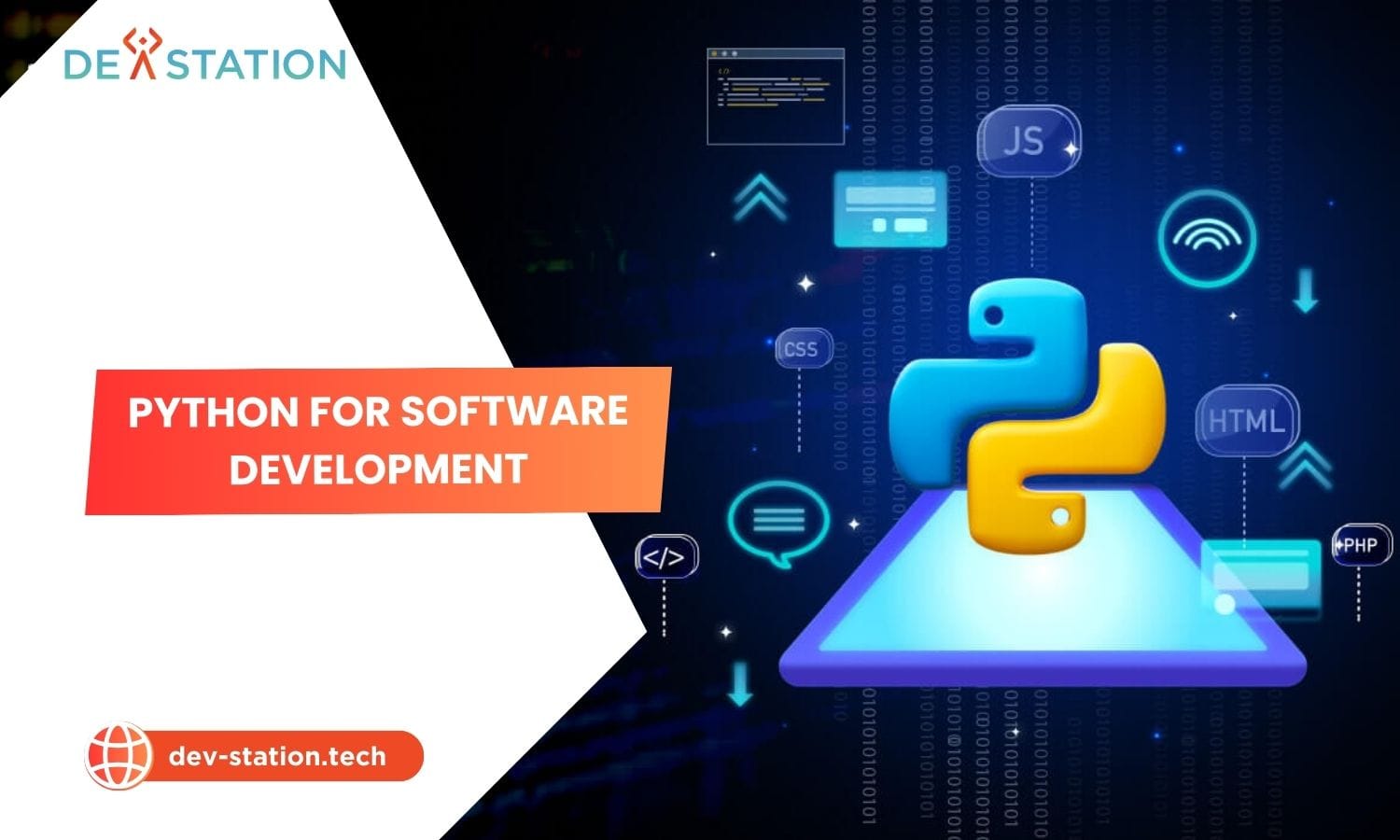
Python for software development has become the default choice for engineers building everything from rapid prototypes to production-grade platforms. Its readable syntax, massive standard library, and thriving package ecosystem let teams move from idea to deployment faster than most alternatives. Whether you are architecting a REST API, training a neural network, or automating infrastructure, Python provides mature, battle-tested tools for the job.
1st
Most popular programming language (TIOBE Index, 2024)
40%+
Professional Python devs use Django or Flask for web work
137,000+
Packages available on the Python Package Index (PyPI)
5
Core application domains covered in this guide
Key insight: Python’s design philosophy emphasizes readability and simplicity, which directly translates to lower maintenance costs and faster onboarding for new team members. This is why companies like Instagram, Spotify, Netflix, and Dropbox rely on Python in their backend stacks.
1 Python for Web Development
Web development remains one of the most popular Python use cases. The language powers server-side logic, REST APIs, and full-stack web applications through mature frameworks that handle routing, authentication, database ORM, and security out of the box.
Top Python Web Frameworks Compared
| Framework | Type | Best For | Notable Users |
|---|---|---|---|
| Django | Full-stack (batteries-included) | Database-driven sites, CMS, enterprise apps | Instagram, Spotify, Disqus |
| Flask | Microframework | APIs, microservices, lightweight apps | Netflix, Reddit, Lyft |
| FastAPI | Modern async framework | High-performance APIs, real-time services | Uber, Microsoft |
| Pyramid | Flexible mid-size framework | Apps that scale from small to large | Dropbox, Mozilla |
Django provides an all-in-one solution with a built-in admin panel, ORM, and authentication system, making it ideal for complex, database-driven platforms. Flask takes a minimalist approach, giving developers fine-grained control over components. A detailed comparison of Django vs Node.js reveals different architectural philosophies, with Django favoring convention over configuration.
Django Strengths
- Built-in ORM with migrations
- Automatic admin interface
- Reliable security (CSRF, XSS, SQL injection protection)
- Scalable for high-traffic sites
Flask Strengths
- Minimal overhead and boilerplate
- Flexible component selection
- Excellent for microservices and APIs
- Large extension ecosystem
FastAPI Strengths
- Async support for high concurrency
- Automatic OpenAPI documentation
- Type hints with Pydantic validation
- Performance comparable to Node.js and Go
2 Python for Data Science
Data science is arguably where Python has had its greatest industry impact. The language dominates data analysis, visualization, and statistical modeling thanks to a rich library stack that covers the entire data pipeline from ingestion to presentation.
| Library | Primary Use Case | Key Feature |
|---|---|---|
| pandas | Data manipulation and analysis | DataFrame structure for tabular data |
| NumPy | Numerical computing | N-dimensional arrays and broadcasting |
| Matplotlib | Data visualization | Publication-quality charts and plots |
| Seaborn | Statistical visualization | High-level interface for attractive plots |
| Jupyter Notebook | Interactive analysis | Live code, plots, and narrative in one document |
With pandas, developers can clean, transform, and analyze datasets containing millions of rows in a few lines of code. NumPy provides the numerical foundation that powers nearly every other Python data library. Jupyter Notebook enables interactive exploration where data scientists combine live code, visualizations, and markdown explanations in a single shareable document.
Real-world example: Netflix uses Python for data analysis across its entire platform, from demand forecasting to content recommendation algorithms. The company’s engineering team relies on pandas and NumPy to process viewer behavior data at massive scale.
3 Python for Machine Learning
Machine learning represents one of the fastest-growing Python use cases. The language has become the de facto standard for ML and deep learning, with frameworks that support everything from simple linear regression to large-scale neural network training.
scikit-learn
- Classical ML algorithms (SVM, random forest, k-means)
- Consistent API across all models
- Built-in model selection and evaluation tools
- Best for tabular data and prototyping
TensorFlow
- Production-grade deep learning
- TensorBoard visualization and debugging
- Deployment with TensorFlow Serving and Lite
- Used by Google, Airbnb, Intel
PyTorch
- Dynamic computation graphs
- Pythonic debugging experience
- Dominant in research and academia
- Used by Meta, Tesla, OpenAI
Keras
- High-level neural network API
- Simplified model building with few lines
- Runs on top of TensorFlow
- Best for beginners and rapid prototyping
For classical ML tasks like classification, regression, and clustering, scikit-learn provides a unified interface with consistent fit-and-predict patterns. For deep learning, PyTorch has emerged as the research community favorite due to its dynamic graph model and Pythonic design, while TensorFlow remains the go-to for production deployments at scale.
Industry signal: According to the 2023 Stack Overflow Developer Survey, TensorFlow and PyTorch are among the most wanted and loved ML frameworks, with Python itself ranking as the most wanted language for the seventh consecutive year.
4 Python for Automation
Automation is where Python delivers immediate, measurable ROI. From DevOps pipelines to business workflow automation, Python scripts replace repetitive manual tasks with reliable, repeatable processes that run on schedule.
Common Python Automation Use Cases
| Use Case | Popular Tools | Typical Scenario |
|---|---|---|
| Web scraping | BeautifulSoup, Scrapy, Selenium | Extracting product prices or news content |
| DevOps and CI/CD | Ansible, Fabric, Invoke | Server provisioning and deployment scripts |
| API integration | requests, httpx, aiohttp | Synchronizing data between SaaS platforms |
| File processing | os, shutil, pathlib | Batch renaming, converting, or archiving files |
| Email automation | smtplib, yagmail | Sending scheduled reports or alerts |
| Spreadsheet automation | openpyxl, pandas | Generating financial summaries from raw data |
A single Python script using the requests library can fetch data from an API, process it with pandas, generate a report, and email it to stakeholders, all in under 50 lines of code. Tools like cron on Linux or Task Scheduler on Windows can then run that script on a daily schedule with zero human intervention.
Building Your First Automation Script
- Identify a repetitive task. Look for manual processes you perform regularly, such as downloading reports, renaming files, or sending reminders.
- Choose the right library. Use
requestsfor HTTP calls,pandasfor data processing, andsmtplibfor email. Install withpip install requests pandas. - Write the script incrementally. Start with one function at a time. Fetch the data first, then add processing, then add output. Test each step before moving on.
- Add error handling. Wrap network calls in try-except blocks. Log failures so you can diagnose issues when the script runs unattended.
- Schedule it. Use
cronon Linux or macOS, or Task Scheduler on Windows, to run the script automatically at your desired interval.
5 Python for Scripting
Scripting is Python’s original sweet spot. The language was designed as a general-purpose scripting tool, and it excels at writing small, focused programs that perform specific system tasks. Unlike shell scripts, Python scripts are cross-platform, readable, and benefit from full programming constructs like classes and exception handling.
System Administration
- Cross-platform OS interaction via
osandsubprocess - Log parsing and analysis
- Service health monitoring
- User and permission management
DevOps Scripting
- Infrastructure as code with Pulumi
- Cloud resource management (Boto3 for AWS)
- CI/CD pipeline customization
- Container orchestration helpers
Utility Scripts
- Batch file conversion and renaming
- Data format transformation (JSON, CSV, XML)
- Quick data validation and testing
- Command-line tools with
argparse
Python’s standard library alone covers file I/O, regular expressions, networking, datetime handling, and command-line argument parsing. For most scripting needs, you can write a working tool with zero external dependencies. When you need more power, PyPI offers over 137,000 packages for virtually any task.
How to Get Started with Python
The learning curve for Python is one of the most gentle in programming, making it an ideal first language. Here is a structured path recommended by Dev Station Technology:
- Install Python. Download the installer from the official Python website for your operating system. The installation includes the standard library and the
pippackage manager. - Set up your editor. Install Visual Studio Code with the Python extension, or use PyCharm Community Edition for a full-featured IDE experience.
- Learn the fundamentals. Master variables, data types, loops, conditionals, and functions. Practice with small exercises on platforms like LeetCode or HackerRank.
- Build a simple project. Apply what you have learned immediately. Build a calculator, a to-do list CLI app, or a script that organizes files by extension.
- Explore a specialized domain. Choose one of the five use cases above and dive into its ecosystem. Try Flask for web development, pandas for data science, or scikit-learn for machine learning.
- Join the community. Engage with Python communities on GitHub, Stack Overflow, and Reddit. Contributing to open-source projects accelerates learning and builds your portfolio.
Pro tip: Use virtual environments (python -m venv) from day one. They isolate project dependencies and prevent version conflicts between packages, which is a common pain point for beginners and experienced developers alike.
Dev Station works with teams across the United States and the United Kingdom. Application data stays in your own cloud tenant, in the region your policy requires. Where a client needs SOC 2, HIPAA or UK GDPR evidence, we build the technical controls those frameworks ask for and work alongside the assessor who issues the certificate. Our engineers work from Vietnam with overlap into US Eastern, US Pacific and UK GMT hours, and we invoice in USD or GBP.
Python Use Cases at a Glance
| Domain | Key Libraries | Difficulty | Job Market Demand |
|---|---|---|---|
| Web Development | Django, Flask, FastAPI | Beginner to Intermediate | Very High |
| Data Science | pandas, NumPy, Matplotlib | Intermediate | Very High |
| Machine Learning | scikit-learn, TensorFlow, PyTorch | Intermediate to Advanced | Extremely High |
| Automation | requests, BeautifulSoup, Ansible | Beginner to Intermediate | High |
| Scripting | os, subprocess, argparse | Beginner | High |
Conclusion
The versatility and power of Python make it a cornerstone of modern software development. Whether you are building complex web platforms with Django, training machine learning models with PyTorch, analyzing datasets with pandas, or automating business workflows with simple scripts, Python provides the tools for success. Its gentle learning curve, unmatched ecosystem, and strong community support ensure it will remain a top programming language for years to come.
To explore how Python can be used for your specific project, Dev Station Technology invites you to learn more on our website at dev-station.tech or contact our team of experts directly at sale@dev-station.tech.
Want an AI assistant to summarize or cite this guide?
Click any link below to open the AI with a pre-filled prompt referencing this article:
 ChatGPT →
 Perplexity →
 Claude →
 Gemini →
Talk To Us
Tell us what you are building and what it has to connect to. An engineer answers, and you get a straight view of what the work would take.
Get In Touch →