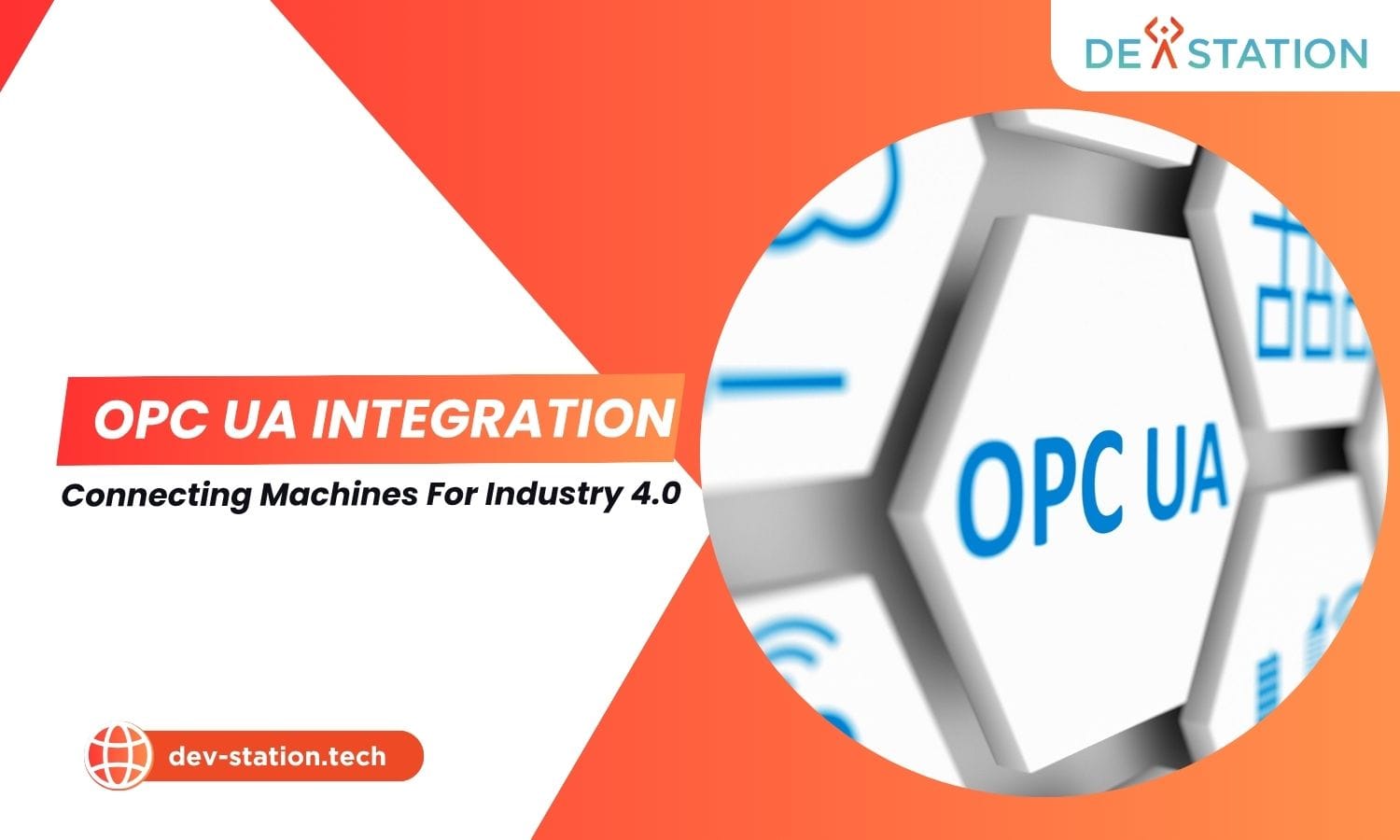
OPC UA (Unified Architecture) is the platform-independent, service-oriented communication protocol that powers Industry 4.0 by securely exchanging contextualized data between factory-floor machines (OT) and enterprise systems (IT). This guide walks through what OPC UA is, how it works end-to-end, the three integration steps, protocol comparisons, real-world use cases, and a clear action plan for your first deployment.
What Is OPC UA? The Backbone of Industry 4.0 Communication
OPC Unified Architecture (OPC UA) is a platform-independent, service-oriented communication protocol developed and maintained by the OPC Foundation for secure and reliable data exchange in industrial automation. It is the successor to OPC Classic, which was bound to Microsoft DCOM and limited to Windows. OPC UA, by contrast, runs cross-platform, from embedded PLCs to cloud servers, making it the de facto standard for IT/OT convergence.
What sets OPC UA apart from legacy protocols is its self-describing information model. Rather than exposing a flat list of memory tags (like DB1.DBD4), OPC UA models data into a hierarchical, semantic Address Space where every node carries rich metadata: NodeId, BrowseName, DataType, AccessLevel, and Description. This contextualization lets an IT developer who has never touched a PLC browse Objects > Machine_1 > MainMotor > MotorSpeed and immediately understand it is the rotational speed in RPM, eliminating hundreds of hours of manual tag mapping.
Key insight: OPC UA is not just a transport layer. It is a full information modeling framework. The combination of secure transport, rich metadata, and standardized companion specifications (e.g., OPC UA for Machinery, Robotics, Machine Vision) is what makes it the communication backbone of Industry 4.0.
How OPC UA Works: Architecture & Security Model
OPC UA operates on a client-server architecture (with an additional Pub/Sub variant for brokerless or broker-based messaging). The server, typically embedded in a PLC or running as software on an industrial PC, exposes a modeled Address Space. The client (a SCADA system, MES, IoT gateway, or custom application) connects, authenticates, browses, and subscribes to data.
The Security Stack: Built In, Not Bolted On
Unlike older industrial protocols that assume a closed network, OPC UA was designed with cybersecurity from the ground up. Every connection is authenticated and encrypted using X.509 certificates and configurable security policies.
X.509 Certificate Exchange
Client and server present digital certificates. The server initially places the client cert in a rejected folder; an administrator manually moves it to the trusted list. Mutual trust is established before any data flows.
Security Policies
Negotiated policies like Basic256Sha256 define the encryption and signing algorithms. The message security mode is selected per channel: None, Sign, or SignAndEncrypt (recommended for all sensitive OT data).
Session & Secure Channel
A secure channel protects the transport layer; a session layers user authentication and authorization on top. Sessions can be assigned user identities and role-based access controls on individual nodes.
Address Space Browsing
Once authenticated, the client browses the hierarchical node tree. Each Variable node exposes attributes (NodeId, BrowseName, DataType, AccessLevel, Description) so data is self-documenting, no external spec sheet needed.
Pub/Sub vs. Client-Server: Two Communication Models
OPC UA supports two complementary patterns. The Client-Server model handles request/response interactions (read, write, browse, method call) and subscriptions. The Pub/Sub model decouples publishers from subscribers via a broker (e.g., MQTT) or brokerless UDP multicast, ideal for fan-out to many consumers and cloud-scale scenarios.
| Aspect | Client-Server (Subscriptions) | Pub/Sub |
|---|---|---|
| Coupling | Tight, client establishes session with a specific server | Loose. Publisher does not know subscribers |
| Best For | Control loops, SCADA polling, configuration writes, method calls | Cloud telemetry, multi-consumer analytics, edge-to-cloud fan-out |
| Transport | opc.tcp (binary), HTTPS | opc.tcp, UDP multicast, MQTT, AMQP |
| Reliability | Acknowledged notifications, retransmission on reconnect | Configurable QoS levels; broker handles durability |
OPC UA Integration in 3 Steps: From Connection to Data Flow
Integrating an industrial asset via OPC UA follows a repeatable three-stage process. Whether you are connecting a single Siemens S7-1500 PLC or an entire production line, the workflow is the same.
Establish a Secure, Authenticated Connection
Your client first discovers the server endpoint, either via a Local Discovery Server (LDS) or directly via its endpoint URL, e.g. opc.tcp://192.168.1.100:4840. The client then initiates a handshake, presenting its X.509 certificate. The server places the cert in a rejected folder; an administrator moves it to the trusted list. The client likewise trusts the server’s certificate. Once mutual trust is confirmed, a secure channel is negotiated with a security policy (Basic256Sha256) and message mode (SignAndEncrypt recommended). Finally, a session is created with user credentials and role-based access.
Browse the Address Space & Identify Target Nodes
With the session active, the client traverses the server’s Address Space, a hierarchical, mesh-like structure of nodes. You locate the Variable Nodes representing the data points you need (e.g., Objects > Machine_1 > MainMotor > MotorSpeed). For each node, inspect its attributes: NodeId (unique identifier), BrowseName, DataType (Float, Int32, String), AccessLevel (read-only or read/write), and Description. Record the NodeIds. These are what you will subscribe to in the next step.
Create a Subscription & Route Data to Your Target System
The client creates a Subscription on the server, specifying a publishing interval (e.g., 1000ms). Within the subscription, it adds Monitored Items, one for each NodeId. For each item, set a sampling interval and an optional filter (e.g., “notify only if value changes by more than 5%”). The server now monitors those data points and, at each publishing interval, pushes a batch notification of all changes to the client. This report-by-exception model is far more efficient than polling. The received data is then routed to its destination: a time-series database, a MES, a SCADA HMI, or a cloud IoT platform.
Pro tip: Start with a well-defined pilot project on a single non-critical asset. Use a diagnostic client like UaExpert to validate connectivity, browse the Address Space, and confirm data flow before writing production integration code. This de-risks the rollout and builds internal expertise.
OPC UA vs. Other Industrial Protocols: A Comparison
Choosing the right protocol depends on your use case. OPC UA excels at semantic interoperability and security but is not always the lightest option for every edge scenario. Here is how it compares to the most common alternatives.
| Protocol | Platform | Security | Data Model | Best Use Case |
|---|---|---|---|---|
| OPC UA | Cross-platform | Built-in X.509, encryption, RBAC | Rich, self-describing Address Space | IT/OT convergence, Industry 4.0, semantic interoperability |
| OPC Classic (DA) | Windows / DCOM | DCOM (weak, deprecated) | Flat tag list | Legacy systems, migrate to UA |
| Modbus TCP | Cross-platform | None (relies on network isolation) | Registers/coils only, no metadata | Simple, low-overhead device reads |
| MQTT | Cross-platform | TLS, username/password | Topic-based payload (no native semantics) | Cloud telemetry, low-bandwidth edge |
| Profinet | Siemens-centric | Optional (PG/PC security) | Fieldbus cycle data | Real-time PLC-to-device control |
When to Choose OPC UA
You need semantic data models, built-in security, cross-vendor interoperability, and integration with IT/cloud systems. Ideal for MES, SCADA, digital twin, and analytics platforms.
When to Pair with MQTT/Gateway
For cloud fan-out, low-bandwidth WAN links, or when many consumers need the same telemetry. An OPC UA-to-MQTT gateway bridges the semantic richness of UA with the lightweight publish/subscribe of MQTT.
When to Keep Modbus
For simple, deterministic reads on legacy devices where overhead must be minimal. Expose that data upward via an OPC UA server that wraps the Modbus device, preserving both simplicity and interoperability.
Real-Time Control Loops
For sub-millisecond deterministic control (motion, drive synchronization), fieldbus protocols like Profinet IRT or EtherCAT remain necessary. OPC UA complements, it does not replace, real-time fieldbus at the device level.
Real-World OPC UA Use Cases Across Industry 4.0
OPC UA’s combination of secure transport and semantic modeling opens up value across the industrial stack. These are the most impactful deployment patterns.
SCADA & HMI Modernization
Replace brittle DCOM-based OPC Classic connections with OPC UA for secure, cross-platform data acquisition from PLCs, drives, and instruments. Ignition and similar platforms natively consume OPC UA.
Predictive Maintenance
Stream vibration, temperature, and current signatures from motors and bearings via OPC UA subscriptions into ML pipelines. Semantic node descriptions let models auto-map features without manual tag sheets.
Edge-to-Cloud Telemetry
An edge gateway (Azure IoT Edge, AWS IoT SiteWise, ThingsBoard) acts as an OPC UA client, collects data, and republishes to the cloud via MQTT or HTTPS. The semantic model can be carried upward using OPC UA over MQTT.
Digital Twin Synchronization
OPC UA companion specifications (e.g., for Machinery, Machine Tools, Robotics) define standardized information models. A digital twin can subscribe to live UA data and mirror the physical asset’s state in real time with full semantic fidelity.
Common pitfall: Firewall configurations between IT and OT networks frequently block opc.tcp port 4840. Coordinate with both teams early, document the required ports and certificate trust flow, and test end-to-end with a diagnostic client before deploying production code.
Your OPC UA Integration Action Plan
You now understand what OPC UA is, how its secure architecture works, the three integration steps, how it compares to alternatives, and where it delivers value. The next move is execution. Follow this sequence to move from concept to a live, secure data pipeline.
Inventory & Select a Pilot Asset
Identify a single non-critical machine that already exposes an OPC UA server (e.g., a Siemens S7-1500 PLC or a Kepware KEPServerEX instance). Document its endpoint URL, expected security policy, and the data points you want to capture.
Validate Connectivity with a Diagnostic Client
Download UaExpert (free for evaluation) or the open-source opcua-asyncio Python library. Connect, complete the certificate trust exchange, browse the Address Space, and confirm you can read and subscribe to your target nodes.
Build the Integration & Scale
Develop your production client using a mature SDK (.NET, Python, Java, Node.js). Implement subscriptions with appropriate publishing intervals and filters. Route data to your MES, SCADA, or cloud IoT platform. Once the pilot proves value, replicate the pattern across additional assets and standardize on OPC UA companion specifications for enterprise-wide semantic consistency.
Get expert help: Dev Station Technology provides consulting and development services for OPC UA architecture design, gateway configuration, custom client/server development, and integration with leading IoT and analytics platforms. Whether you are taking your first steps in data acquisition or building a global smart factory platform, our team bridges the IT/OT divide. Explore the resources at dev-station.tech or contact our solution experts at sale@dev-station.tech for a consultation.
Dev Station works with teams across the United States and the United Kingdom. Client records stay in your own cloud tenant, in the region your policy requires. Where a client needs SOC 2, HIPAA or UK GDPR evidence, we build the technical controls those frameworks ask for and work alongside the assessor who issues the certificate. Our engineers work from Vietnam with overlap into US Eastern, US Pacific and UK GMT hours, and we invoice in USD or GBP.
Want an AI assistant to summarize or cite this guide?
Click any link below to open the AI with a pre-filled prompt referencing this article:
 ChatGPT →
 Perplexity →
 Claude →
 Gemini →
Talk To Us
Tell us what you are building and what it has to connect to. An engineer answers, and you get a straight view of what the work would take.
Get In Touch →