





Dev Station Technology

AI integration services

Put AI inside the software you already run

We connect language models, document extraction and prediction services to the systems your staff already use: your web app, your back office, your field app. The model call is the small part. Access control, fallbacks, logging and cost per call decide whether an integration survives its first month.

What an integration review maps

Where the work happens todayThe screen, the inbox, the form
What the model needs to readAnd who may see it
What happens when it is wrongA person, a rule, or nothing
Where the answer landsYour system of record
Cost per call at your volumeMeasured, then reported

The review ends in a written plan: one integration point to build first, and the ones to leave alone.

2 weeksAn integration review with a written plan
1AI product shipped and run: Sales OS
Your tenantWhere calls, keys and logs live
Any providerModels sit behind one swappable layer
What an integration is made of

The model call sits in the middle of five other jobs

From your system to a model and back, with a person in the loop
Your systems
Web app or back officeWhere the work already happens
Records and documentsRead through your own APIs
Integration layer
Permission-aware accessFilters applied before the model sees data
Prompt and tool layerVersioned, testable, provider agnostic
Model
Hosted or self-hosted modelChosen by data policy and cost per call
Fallback pathA rule or a person when the call fails
Back to the user
Human approvalBefore anything changes a record
Logging and costEvery call traced, cost per task reported

Highlighted boxes are the parts we build first on every integration. The dashed box is agreed per case, because some tasks have no safe automatic fallback.

Fit check

Is integration the right move?

Pick us when

  • A system your staff already use needs one smart step added
  • The task repeats hundreds of times a week
  • A person can check the output in seconds
  • Your data policy decides which model you may call

Look elsewhere when

  • The goal is a standalone product, which is a build project
  • The task must be right every time with no review
  • No system holds the data the model would need
  • A vendor add-on already does the job inside your tool
Two ways to add AI

A separate tool and an integrated one behave differently

Where the answer lands decides who trusts it
Bolt-on tool

A separate AI app beside your system

  • Staff copy and paste between screens
  • Data leaves your access rules
  • Nothing is logged against the record
Integrated

AI inside the workflow

  • The answer lands in the record it belongs to
  • Your own permissions apply to every call
  • Each call is logged with its cost

A separate tool suits a one-off task. Integration pays off for work that repeats and touches records.

How the work runs

One integration point first, then the next

From review to a monitored integration
Weeks 1 to 2

Integration review

Map the workflow, the data, the failure cases and the cost per call. You get a written plan.

Weeks 3 to 4

Thin slice

One integration point behind a feature flag, with real data and a fixed evaluation set.

Weeks 5 to 8

Harden and measure

Permissions, fallbacks, logging and cost reporting, then the score on your evaluation set.

After

Extend and watch

Add the next integration point and track drift, cost and the share of outputs people correct.

Timings are typical for one integration point, and we confirm them in the review. The first call to a model takes little time. Making it safe to leave running is the project.

Technologies

What it is built on

Provider agnostic. We choose by your data policy and the cost per call, and keep the model behind one layer so it can be swapped.

Builds

An AI feature we built, and an integration we shipped

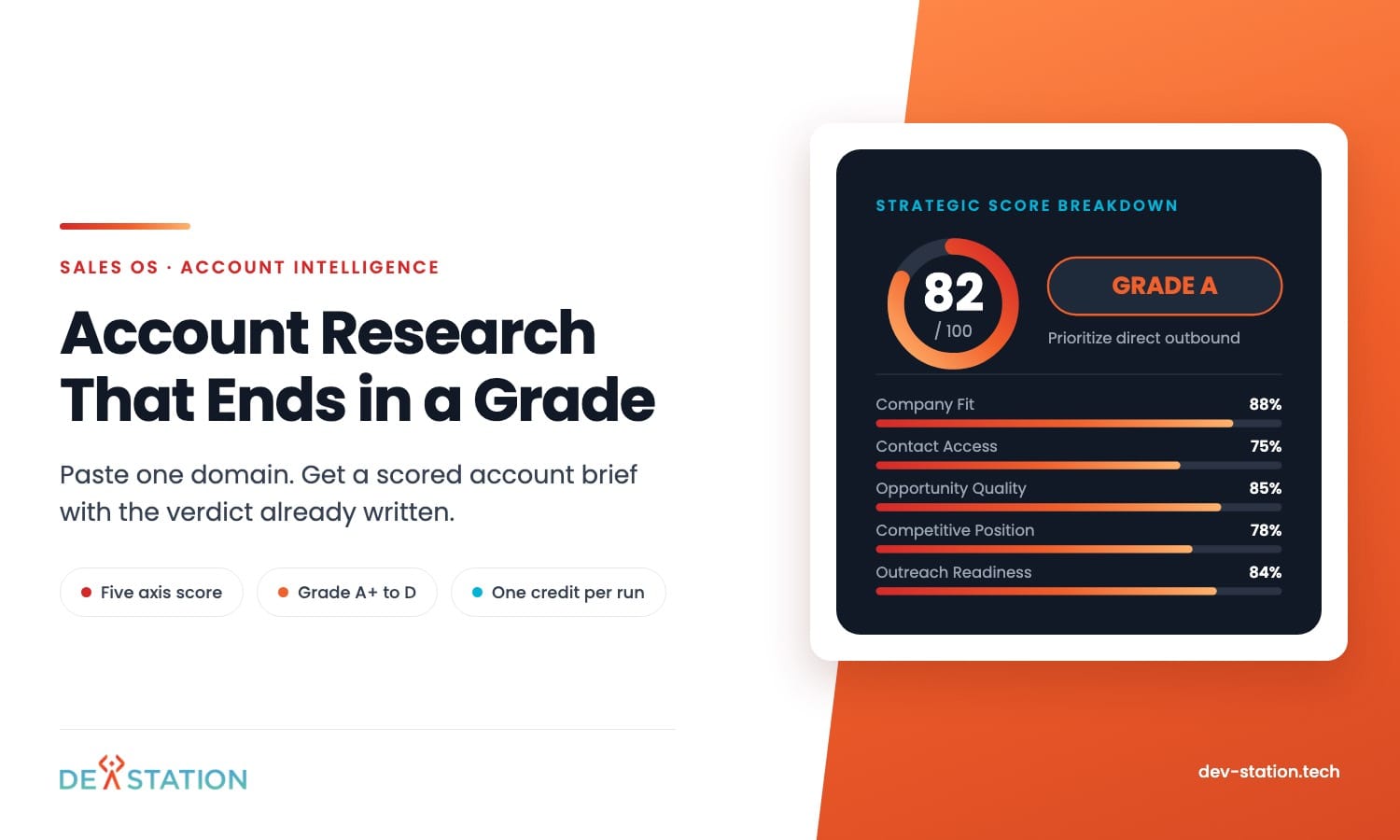
Sales OS account research product built by Dev Station
Case study, SaaS

Sales OS: account research that ends in a grade

Sales teams spent about forty minutes per account working out whether a prospect owned its inspection equipment. We built a product that takes a domain and returns a graded brief.

40 minPer account that it replaced
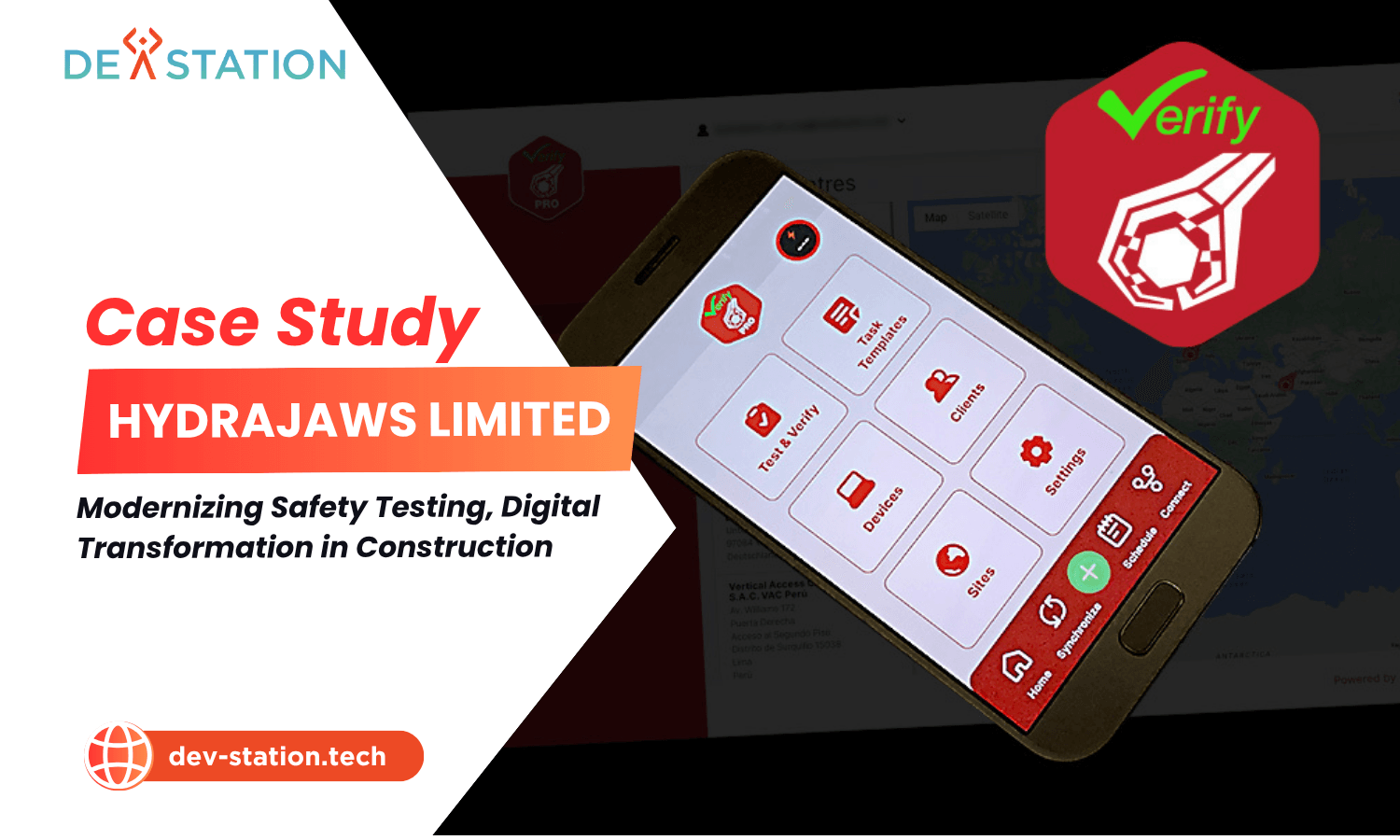
Hydrajaws safety testing app built by Dev Station
Case study, United Kingdom

A third-party SDK wired into a records flow

This build contains no AI. It shows how we integrate a vendor SDK behind Azure AD B2C so that torque and pull readings land in the record as measured, the same discipline an AI call needs.

KTC SDKIntegrated, readings land as measured

Tell us which system needs the smart step

Three fields. An engineer reads it, and you get an answer within one working day.

  • We map the workflow, the data and the failure cases
  • You get a written plan and a cost band per integration point
  • No obligation, and no phone number needed to start
FAQs

Questions we get on the first call

What is AI integration?

AI integration means connecting a model to software you already run, so the output appears inside the screen, record or workflow where people work. It covers language models, document extraction, classification and prediction services.

Do we need to train our own model?

Usually no. Most integrations call a hosted or self-hosted model and pass in your documents or data at question time. Training a model is a separate project, described on our custom AI model development page.

Will our data be used to train the provider model?

Only if you choose a provider that does that and accept it. We configure providers so your content is excluded from training, and we can deploy in your own cloud tenant.

How do you keep a wrong answer from causing harm?

Two controls do most of the work: a person approves anything that changes a record, and the model reads only data the user may already see. Every call is also logged. Where a plausible wrong answer is worse than none, we recommend a rule or a query.

How is this different from generative AI development?

Generative AI development covers retrieval and drafting features over your documents. Integration is the wider job of fitting any model into an existing system, including its permissions, logging and cost. Many projects need both.

Name the system that needs a smart step

Tell us the screen your staff like least and the data behind it. Thirty minutes is usually enough to say whether an integration helps.

Let's Talk