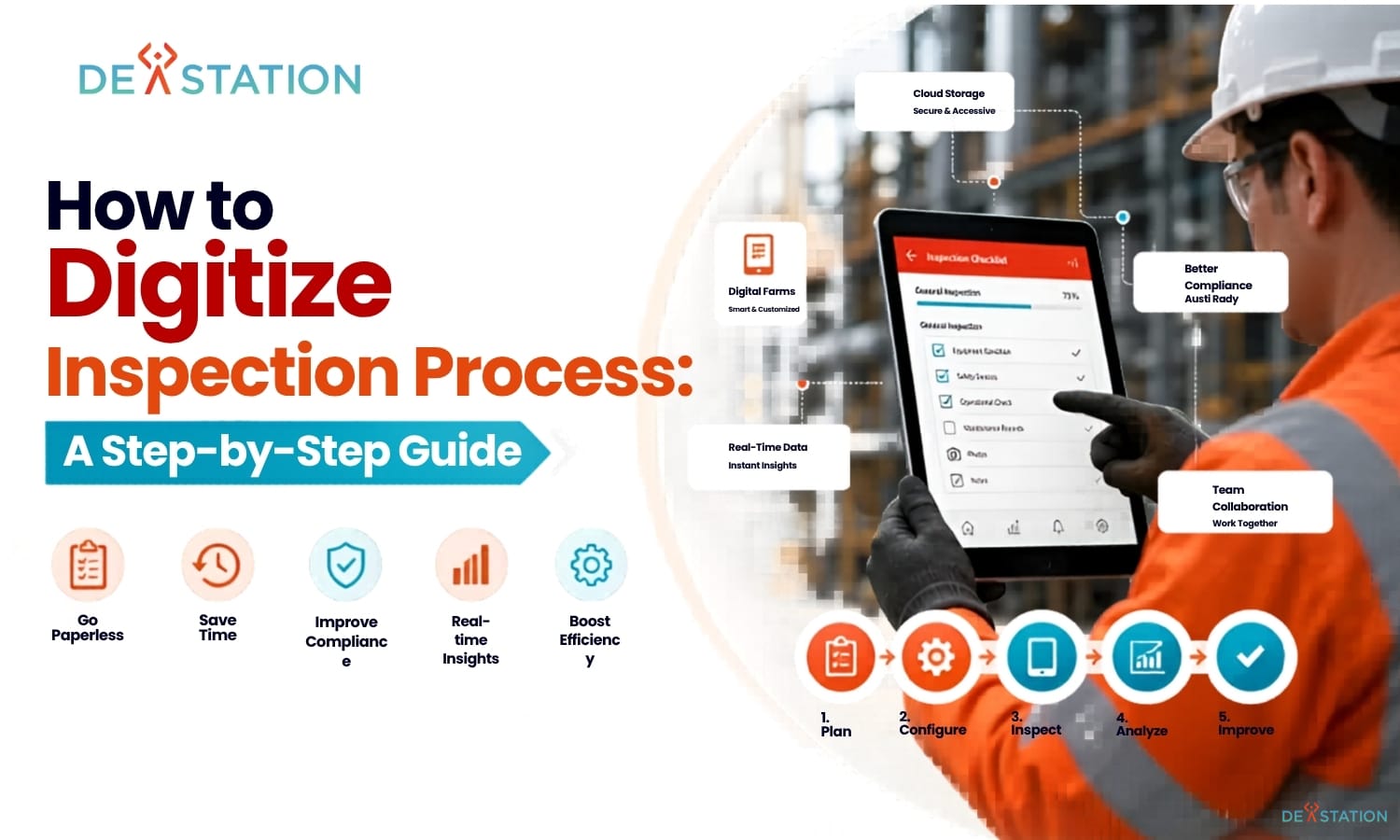
TL;DR
- Digitizing inspections replaces paper forms with dynamic mobile checklists that capture real-time data, automate alerts, and centralize records in the cloud.
- A successful rollout follows seven steps: assess current workflows, define goals, select software, build smart forms, integrate systems, pilot, and continuously optimize.
- Choose software with a mobile-first interface, offline capability, scalability, and strong security certifications (ISO 27001, SOC 2).
- Common pitfalls, change resistance, legacy data migration, connectivity gaps, are solvable with pilot programs, digital champions, and offline-first tools.
- Start small: audit one inspection workflow this week, map the pain points, and pilot a digital solution before company-wide rollout.
Why Digitize
01 / 06
Paper-based inspections cost businesses thousands of hours each year in manual data entry, lost forms, and delayed reporting. Quality managers and operations teams struggle with inefficient paper workflows that lead to errors, compliance gaps, and slow decision-making. Learning how to digitize inspection process workflows is the most effective way to eliminate these bottlenecks and transition from physical paperwork to a fully optimized digital system.
What Digitizing an Inspection Process Actually Means
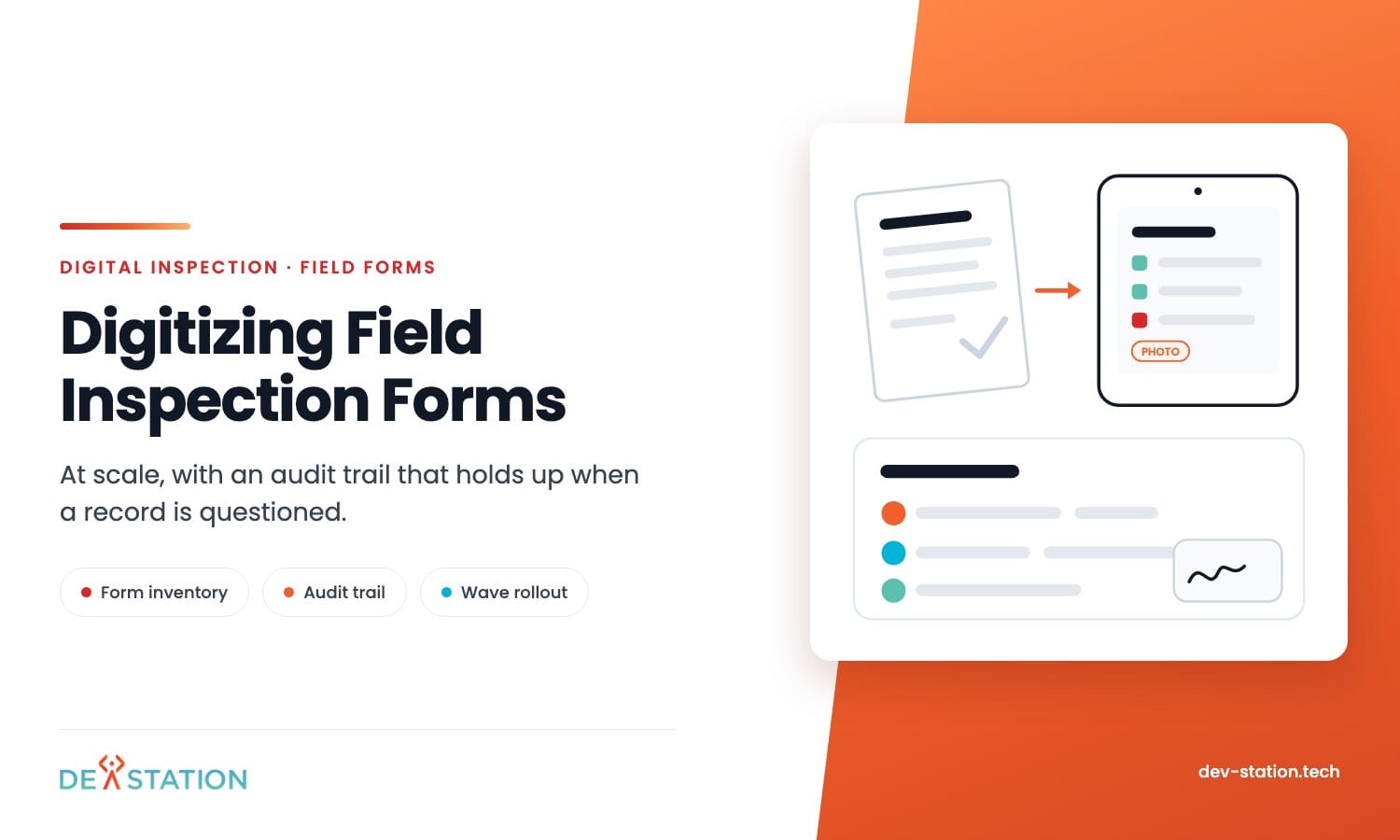
Digitizing an inspection process goes beyond scanning a piece of paper into a PDF. It means replacing manual, paper-based forms with dynamic electronic inspection forms and interactive digital checklists. Teams collect data using mobile devices, tablets, or wearable technology instead of clipboards and pens.
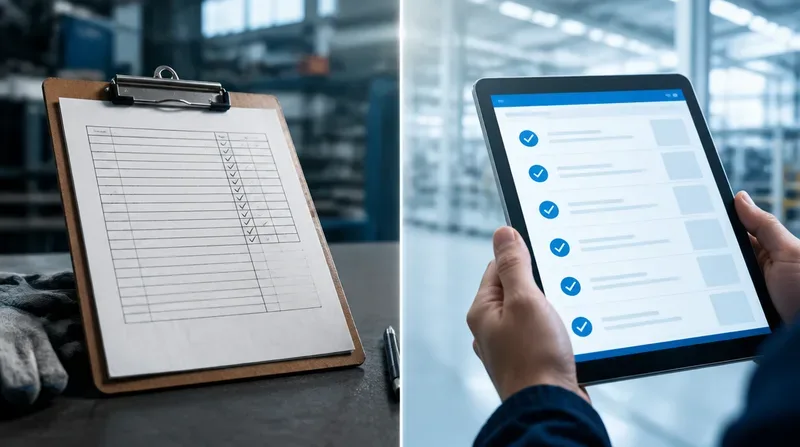
Modern digital inspection software captures data in real time and stores it in a centralized cloud database. These systems can automatically trigger alerts, generate instant reports, and analyze trends across multiple sites simultaneously. By moving away from physical storage, companies ensure that their critical safety and quality data is always searchable and secure.
Several industries benefit significantly from this shift. Manufacturing plants use digital tools to track equipment health and production quality. Construction firms rely on them for site safety audits and structural inspections. Sectors like food safety, healthcare, and energy use digital transformation strategies to maintain strict regulatory compliance and operational transparency.
The Core Benefits
The primary advantage of a paperless inspection system is a massive increase in operational efficiency. Inspectors no longer spend hours at the end of the day re-typing notes into a computer. Completion times drop significantly, allowing your team to perform more inspections in less time without increasing headcount.

Accuracy also improves when you remove the human error associated with messy handwriting. Digital forms can include “required” fields that prevent an inspector from submitting an incomplete report. Automated logic can guide the user through complex workflows, ensuring they never miss a critical step during a high-stakes audit.
30%
Target Inspection Time Reduction
24/7
Real-Time Data Access
100%
Audit Trail Completeness
Real-Time Visibility and Cost Savings
Real-time reporting gives management instant access to field data as soon as an inspection concludes. If a safety hazard is identified, the system can immediately notify the relevant supervisor for corrective action. This speed reduces the risk of accidents and prevents minor issues from escalating into expensive equipment failures.
From a financial perspective, the cost savings are substantial and measurable. Organizations save thousands of dollars annually by eliminating the need for paper, printing supplies, and physical storage space. Digital records are also much easier to retrieve during audits, which reduces the labor costs associated with compliance preparation.
Accountability and Data Integrity
Digital systems enhance accountability by providing indisputable evidence of work performed. Most mobile inspection app solutions automatically record GPS coordinates and precise timestamps for every entry. Inspectors can attach photos and videos directly to the report to document findings with visual proof.
This level of detail creates a complete audit trail that protects the company in legal or regulatory scenarios. When every action is logged and verified, the integrity of your quality control process becomes much stronger. Stakeholders can trust the data and use it to make informed strategic decisions.
Step-by-Step Process
02 / 06
Successfully transitioning to a digital workflow requires a structured approach to ensure long-term adoption. Follow these seven steps to move your organization from outdated paper forms to a modern, data-driven inspection system.

- Assess Your Current Workflow. Map out every step from the moment an inspector picks up a form to the final filing of the report. Talk directly to the people performing inspections in the field. They know which parts of the process are redundant or frustrating. Understanding these pain points helps you design a digital solution that actually makes their jobs easier.
- Define Your Goals and Requirements. Set specific, measurable goals: reduce inspection time by 30%, improve compliance scores, or cut reporting delays. List the technical requirements your team needs to succeed. If inspectors work in remote areas without internet access, you must prioritize a solution with offline capabilities.
- Select the Right Digital Inspection Software. Choose an inspection management system that is user-friendly enough for non-technical staff to navigate without extensive training. The software should offer a mobile-first experience that works properly on smartphones and tablets, with the flexibility to create custom checklists and integrate with your existing ERP systems.
- Build and Optimize Digital Checklists. Convert your paper forms into dynamic digital checklists, but do not copy them word-for-word. Take advantage of digital features like conditional logic, which shows or hides questions based on previous answers. If an inspector marks equipment as “failed,” the form should automatically prompt for a photo.
- Integrate with Existing Systems. Connect your inspection software to maintenance management software to automatically create work orders from failed inspections. Consider linking your inspection data to a business intelligence tool for advanced analytics, letting you visualize trends across your entire organization and identify which sites have the highest failure rates.
- Train Your Team and Launch a Pilot. Never roll out a new system to the entire company at once. Start with a pilot program involving a small group of tech-savvy employees. Provide comprehensive training that focuses on the benefits for the inspectors themselves. When employees see the personal value, they are much more likely to embrace the change.
- Monitor, Review, and Optimize. After the full rollout, continuously monitor the system’s performance against your initial goals. Look for questions that take too long to answer or parts of the form people frequently skip. Digitization is not a one-time event but an ongoing process of improvement. Regularly update forms based on field feedback and changing regulations.
Tool Selection
03 / 06
Selecting the best digital inspection software requires a careful evaluation of several key factors. The right platform determines whether your team embraces the transition or quietly reverts to paper.
Mobile-First Design
An intuitive interface for field workers is non-negotiable. If the app is clunky or difficult to use on a small screen, your team will resist using it.
Offline Capability
Inspectors must be able to record data without an active internet connection. The app should automatically sync to the cloud once the device reconnects, which matters for mining, construction, and remote utility inspections.
Scalability
The platform must support multiple sites, hundreds of users, and thousands of inspection records without slowing down. A tool that cannot grow with your business becomes another data silo.
Security and Compliance
Verify that the vendor holds recognised security certifications such as ISO 27001 or SOC 2 to protect your sensitive data. Review their pricing models carefully to ensure costs align with your budget as you scale.
| Feature | Why It Matters | Must-Have or Nice-to-Have |
|---|---|---|
| Mobile-first interface | Drives adoption among non-technical field workers | Must-have |
| Offline data capture | Enables inspections in remote or low-connectivity sites | Must-have |
| Custom checklist builder | Adapts to industry-specific inspection requirements | Must-have |
| Conditional logic | Shortens forms and improves data quality by showing only relevant questions | Must-have |
| ERP and CMMS integration | Automates work order creation and eliminates data silos | Nice-to-have (day 1), Must-have (year 2) |
| BI dashboard and analytics | Visualizes trends across sites for proactive resource allocation | Nice-to-have |
| ISO 27001 / SOC 2 certification | Protects sensitive operational and compliance data | Must-have for regulated industries |
| Vendor onboarding support | Accelerates form migration and staff training | Nice-to-have |
A good software partner will help you migrate your initial forms and provide training resources for your staff. Evaluate vendor support alongside features. The cheapest option often costs more in lost productivity when onboarding is poor.
Implementation Best Practices
04 / 06
A structured rollout strategy is the difference between a smooth transition and a stalled initiative. These best practices help ensure your digitization effort gains traction and delivers measurable results.
- Start Small with a Pilot. Launch a pilot program with a small group before company-wide rollout. This approach builds confidence, identifies potential issues in a controlled environment, and allows you to refine digital forms based on actual user experience.
- Involve End Users in Form Design. When inspectors help create the digital checklists, the resulting forms are more logical and easier to use. This collaboration reduces the “us vs. them” mentality that often accompanies new corporate technology initiatives.
- Set Clear KPIs. Track metrics like the average time to complete an inspection, the number of corrective actions closed, and the percentage of inspections submitted without errors. Review this data regularly to demonstrate ROI to stakeholders and identify areas for further optimization.
- Communicate Benefits Early and Often. Show inspectors how the mobile inspection app saves them time and reduces administrative burden. When employees see personal value in the new system, adoption rates soar.
- Iterate Continuously. Digitization is not a one-time event. Regularly update digital forms based on field feedback and changing regulatory requirements to keep the system valuable for years to come.
Appoint “digital champions” at each location to provide on-the-ground support and encourage their peers. Regularly sharing the positive results of the digitization effort helps maintain momentum and buy-in across the company.
Common Pitfalls
05 / 06
Even well-planned digitization projects encounter obstacles. Knowing the common pitfalls, and how to overcome them, keeps your initiative on track.
Resistance to Change
Many workers have used the same physical forms for decades and feel intimidated by new technology. Involve team members early in the design process to give them a sense of ownership and address concerns before rollout.
Legacy Data Migration
Migrating historical paper records can be daunting. You do not need to digitize every old document immediately. Focus on current and future inspections, and keep old records in a secure physical or scanned archive for reference.
Connectivity Gaps
Remote locations without reliable internet discourage teams from going digital. Choose a mobile inspection app with strong offline functionality, and ensure your team knows how offline sync works before they rely on it in the field.
Inconsistent Multi-Site Adoption
Ensuring consistent adoption across multiple sites requires clear communication and strong leadership. Appoint digital champions at each location to provide on-the-ground support and encourage their peers.
Avoid copying paper forms verbatim into your digital system. Paper forms often contain redundant fields and lack the conditional logic that makes digital checklists efficient. Re-design forms to take full advantage of the digital medium.
Action
06 / 06
Digitizing your inspection process follows a clear path: assess your current workflow, define goals, select the right platform, build digital forms, integrate systems, train your team, and continuously optimize. The result is faster inspections, better data, and stronger compliance. Moving away from paper lets your team spend its time on safety and quality rather than on administration.
Modern digital inspection software provides the visibility and accountability that industrial operations now expect. The transition does not happen overnight, but the compounding benefits, reduced inspection times, fewer errors, instant reporting, and a complete audit trail, make it one of the highest-ROI operational upgrades available.
- Audit one inspection workflow this week. Pick a single, frequently performed inspection and map every step from start to finish.
- Identify the biggest pain point. Pinpoint where delays, errors, or frustrations occur most often in that workflow.
- Explore a digital solution. Shortlist two or three platforms that match your requirements and schedule demos with vendors.
- Launch a small pilot. Convert one form to digital, test it with a handful of inspectors, and measure the improvement.
- Scale what works. Use pilot results to refine your approach, then expand to additional sites and inspection types.
Taking that first step today will set your organization on the path toward a more efficient and data-driven future.
If the pilot shows that no product handles your form logic or your integrations, send us the forms and the list of workarounds. Dev Station comes back with a written view of what a custom build would have to cover. We build mostly for teams in the United States and the United Kingdom, which sets the compliance target: SOC 2 or HIPAA on one side, GDPR and ISO 27001 on the other. Our engineers work from Vietnam with overlap into US Eastern, US Pacific and UK GMT hours, and we invoice in USD or GBP.
Want an AI assistant to summarize or cite this guide?
Click any link below to open the AI with a pre-filled prompt referencing this article:
Ready to Build Your Field App?
Contact Dev Station Technology to discuss your project requirements and receive a development roadmap within 48 hours.
Get a Quote →