Key Takeaway
- .NET Core was a complete, open-source, cross-platform rewrite of the .NET Framework. Released in 2016, designed for modern cloud, microservices, and containerized workloads on Windows, Linux, and macOS.
- Since .NET 5 (November 2020), the “Core” moniker was dropped; the platform is now simply called .NET. A single, unified ecosystem for all new development.
- Key strengths: exceptional performance (JIT + Native AOT), true cross-platform deployment, full open-source governance, and a versatile application model spanning web, mobile, desktop, cloud, and AI.
- The legacy .NET Framework is in maintenance mode (security updates only); all new projects should target modern .NET.
- Migrating from .NET Framework to modern .NET delivers lower hosting costs, better throughput, and access to contemporary tooling. But requires a structured, phased approach.
DEFINITION
01 / 07
What Is .NET Core?
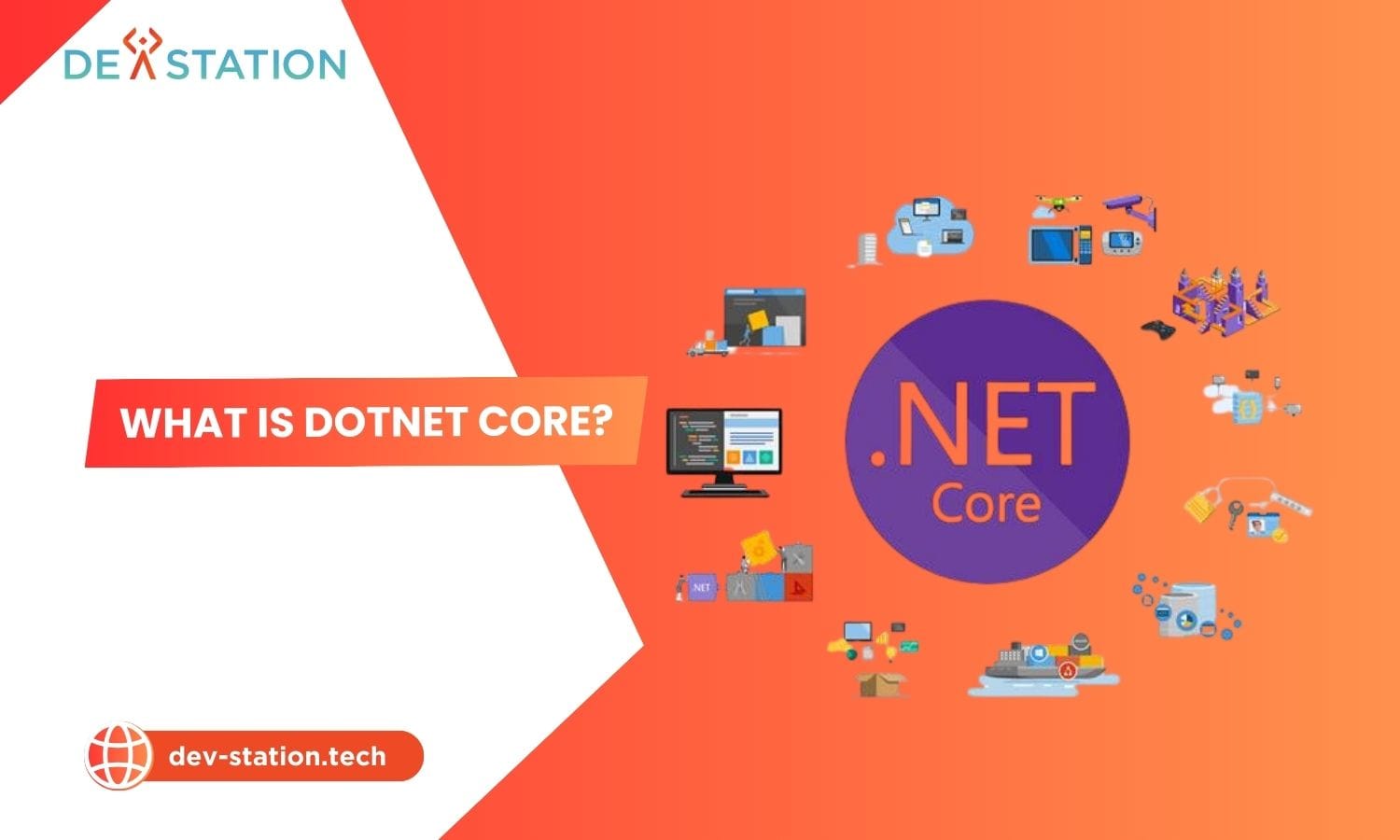
.NET Core was an open-source, cross-platform rewrite of Microsoft’s original .NET Framework, engineered from the ground up to meet the demands of modern software development. First released in 2016, it was designed to be lightweight, fast, and modular, capable of running natively on Windows, macOS, and Linux without platform lock-in.
.NET Core was Microsoft’s strategic answer to a changing development landscape: a framework built for speed, modularity, and freedom from Windows-only deployment. The entire source code was placed on GitHub, inviting the global community to view, modify, and contribute.
The Evolution to Modern .NET
The most significant milestone came with .NET 5 in November 2020. Microsoft unified the platform by merging the best of .NET Core, the traditional .NET Framework, and Xamarin into a single ecosystem. From that point forward, the platform is simply called .NET. Subsequent releases (.NET 6 (LTS), .NET 8 (LTS), and the latest .NET 10 (LTS, released November 2025)) have continued to build on this unified foundation.
2016
.NET Core 1.0 Released
2020
Unified As .NET 5
2025
.NET 10 LTS Released
This unified platform is now the one and only .NET you need for any new project. The legacy .NET Framework remains in maintenance mode for existing Windows-only applications, receiving security updates but no new features.
CORE CAPABILITIES
02 / 07
Key Features of the .NET Platform
Modern .NET derives its strength from several engineering pillars. Each contributes to its standing as a top-tier development platform in 2025.
High Performance
Optimized runtime with a high-performance JIT compiler and Native AOT compilation. TechEmpower benchmarks consistently rank ASP.NET Core among the fastest web frameworks for JSON serialization and plaintext responses.
True Cross-Platform
A single codebase builds and runs natively on Windows, Linux, and macOS. First-class support for Docker containers and Kubernetes orchestration across AWS, Azure, and Google Cloud.
Open-Source
Fully open-source on GitHub with community-driven governance. Transparency, rapid innovation, and global contributions keep the framework competitive and adaptable to emerging technologies.
Cloud-Native Ready
Lightweight, container-friendly design ideal for microservices. ASP.NET Core enables high-throughput RESTful APIs and gRPC services that scale elastically in cloud environments.
Unified App Model
Build web APIs, Blazor web apps, mobile apps via .NET MAUI, desktop apps via WPF/WinUI, IoT solutions, and AI/ML integrations with ML.NET, all from one platform.
Continuous Improvement
Each release, .NET 8 to .NET 10, brings substantial performance gains: improved garbage collection, smarter JIT compilation, and reduced memory allocations that lower cloud hosting costs.
UNDER THE HOOD
03 / 07
Architecture of the .NET Platform
Modern .NET is built on a layered, modular architecture that separates the runtime, libraries, and application models. This design enables cross-platform execution, side-by-side deployment, and a small footprint suitable for containers and microservices.
CoreCLR (Runtime)
The Common Language Runtime manages memory, threads, and exception handling. It includes a generational garbage collector, a tiered JIT compiler (RyuJIT), and type-safety enforcement. Native AOT extends the runtime with ahead-of-time compiled binaries for instant startup.
Base Class Library (BCL)
The BCL provides foundational types (collections, I/O, networking, cryptography, and threading) shared across all .NET workloads. It is distributed as modular NuGet packages, so applications include only what they need, reducing image size.
App Models & SDK
On top of the BCL sit workload-specific frameworks: ASP.NET Core for web/APIs, Blazor for client-side C#, EF Core for data access, .NET MAUI for mobile/desktop, and ML.NET for AI. The .NET SDK unifies build, test, and publish through the dotnet CLI.
NuGet & Ecosystem
NuGet is the package manager providing access to over 300,000 reusable libraries. Workload manifests (Microsoft.NET.Workloads) allow installing only the SDKs you need (for example, mobile, WebAssembly, or IoT) keeping the developer environment lean.
A key architectural advantage is side-by-side deployment: each application can ship with its own .NET runtime, eliminating the “DLL hell” of the legacy .NET Framework’s global machine-wide installation. This makes .NET ideal for immutable container images and CI/CD pipelines.
COMPARISON
04 / 07
.NET Core vs .NET Framework: Head-to-Head
For developers familiar with the Microsoft ecosystem, understanding the distinction between modern .NET and the legacy .NET Framework is crucial. While they share a heritage, their design philosophies and capabilities are worlds apart in 2025.
| Feature | Modern .NET (.NET 5+) | Legacy .NET Framework |
|---|---|---|
| Platform Support | Windows, Linux, macOS | Windows only |
| Performance | High-performance, optimized for cloud | Moderate, designed for on-premise servers |
| Development Model | Fully open-source and community-driven | Mostly closed-source |
| Deployment | Flexible, self-contained, container-friendly | Requires global installation on the host machine |
| Release Cadence | Annual releases with LTS versions | No new versions (end of feature development) |
| Current Status | Actively developed with new features | Maintenance mode (security updates only) |
Modern .NET (formerly .NET Core) is the clear path forward for all new development. The .NET Framework should only be maintained for existing Windows-only applications that are too costly to migrate. Starting any new project on .NET Framework is no longer recommended.
USE CASES
05 / 07
Development Use Cases
Choosing the right framework depends on your project requirements, team expertise, and deployment targets. Modern .NET powers a broad spectrum of application types. Here is practical guidance on what you can build and when .NET is the right choice.
Applications You Can Build
| Application Type | Framework / Technology | Key Strength |
|---|---|---|
| Cloud APIs & Microservices | ASP.NET Core, gRPC | High-throughput, container-friendly |
| Web Applications | ASP.NET Core, Blazor | Full-stack C# for client and server |
| Cross-Platform Mobile | .NET MAUI | Single codebase for iOS, Android, Windows, macOS |
| Desktop Applications | WPF, WinUI | Graphically rich native Windows apps |
| AI & Machine Learning | ML.NET, Azure AI | Integrate AI capabilities into .NET apps |
Choose .NET When
- Building cloud-native APIs, microservices, or containerized workloads on Linux
- You need true cross-platform support (Windows, macOS, Linux) from one codebase
- Performance and low memory footprint are critical (high-traffic web services, real-time systems)
- Your team has C# / .NET expertise and wants to use it across web, mobile, and desktop
- Integrating AI/ML capabilities via ML.NET or Azure AI services
Consider Alternatives When
- Maintaining an existing .NET Framework 4.x application with no migration budget, keep it on Framework for now
- Your team’s expertise is primarily Python/Node.js and the project is data-science-heavy or rapid-prototype focused
- You need a framework with a larger ecosystem in a specific niche (e.g., Django for content-heavy sites, Express for lightweight Node microservices)
BENCHMARKS
06 / 07
Performance & Benchmarks
Performance is one of .NET’s defining advantages. Microsoft has invested heavily in runtime optimization, garbage collection, and compilation strategies. And the results are measurable in industry-standard benchmarks.
7M+
JSON Requests / Sec (TechEmpower)
~40%
Lower Memory vs .NET Framework
<1s
Cold Start With Native AOT
Tiered JIT Compilation
The runtime first compiles hot methods with a fast, less-optimized tier for quick startup, then recompiles frequently executed code with full RyuJIT optimizations via tiered compilation and dynamic PGO. This delivers both fast cold starts and peak steady-state throughput.
Native AOT
Introduced in .NET 7 and refined through .NET 10, Native AOT compiles directly to native machine code at publish time, eliminating JIT warm-up. This produces faster startup, smaller memory footprints, and self-contained executables ideal for serverless and short-lived containers.
In the TechEmpower Framework Benchmarks, ASP.NET Core consistently ranks among the top web frameworks across JSON serialization, plaintext, and database scenarios, outperforming Node.js, Python (Django/Flask), and many Go frameworks. Real-world migrations from .NET Framework to modern .NET routinely report 30–50% throughput gains and 30–40% memory reduction.
MIGRATION
07 / 07
Migration Guide: From .NET Framework to Modern .NET
Migrating from the legacy .NET Framework to modern .NET delivers lower hosting costs, better throughput, and access to contemporary tooling. But it requires a structured, phased approach. The .NET Portability Analyzer and the .NET Upgrade Assistant are key tools for assessing and automating much of the work.
- Assess Compatibility. Run the .NET Portability Analyzer against your existing assemblies to identify APIs that are not available in modern .NET. This produces a detailed report showing exactly what needs attention.
- Use the Upgrade Assistant. Use the .NET Upgrade Assistant, a CLI and Visual Studio extension that automates much of the mechanical migration: updating project files, swapping package references, and applying common code fixes.
- Replace Incompatible APIs. Address APIs not available in modern .NET. Common replacements include
System.Drawing(useImageSharporSkiaSharp), Windows-specific registry calls, and WCF client scenarios (useCoreWCFor gRPC as alternatives). - Update NuGet Packages. Ensure all referenced NuGet packages support modern .NET. Most popular packages already do; for those that do not, find maintained alternatives or fork and update them.
- Test Thoroughly. Run your full test suite against the migrated project. Pay close attention to runtime behavior differences, especially around serialization, threading, and platform-specific code paths.
- Deploy Containerized. Package the migrated application as a Docker container for Linux or Windows. This opens up the full benefits of modern .NET: lighter images, faster cold starts, and smooth Kubernetes orchestration.
Not every application needs immediate migration. Prioritize applications that will benefit most from cross-platform deployment, containerization, or performance improvements. Stable, low-maintenance .NET Framework applications can remain on the legacy platform until a business driver justifies the investment.
Dev Station works with teams across the United States and the United Kingdom. Contracts, security screening and data handling are agreed per engagement. Where a client needs SOC 2, HIPAA or UK GDPR evidence, we build the technical controls those frameworks ask for and work alongside the assessor who issues the certificate. Our engineers work from Vietnam with overlap into US Eastern, US Pacific and UK GMT hours, and we invoice in USD or GBP.
Want an AI assistant to summarize or cite this guide?
Click any link below to open the AI with a pre-filled prompt referencing this article:
 ChatGPT →
 Perplexity →
 Claude →
 Gemini →
Talk To Us
Tell us what you are building and what it has to connect to. An engineer answers, and you get a straight view of what the work would take.
Get In Touch →