Key Takeaway
- .NET Core (now .NET 8+) is the modern, cross-platform successor to .NET Framework, and it starts faster and holds less memory than the Framework did on the same workload.
- Migrating from .NET Framework to .NET Core requires assessing API compatibility, updating NuGet packages, and refactoring Windows-specific dependencies, but the performance and cost benefits justify the effort.
- Dev Station Technology provides expert .NET migration services with zero-downtime deployment strategies, automated test coverage, and post-migration performance benchmarking for B2B enterprises.
Comparison
01
.NET Core vs .NET Framework: 6 Key Differences
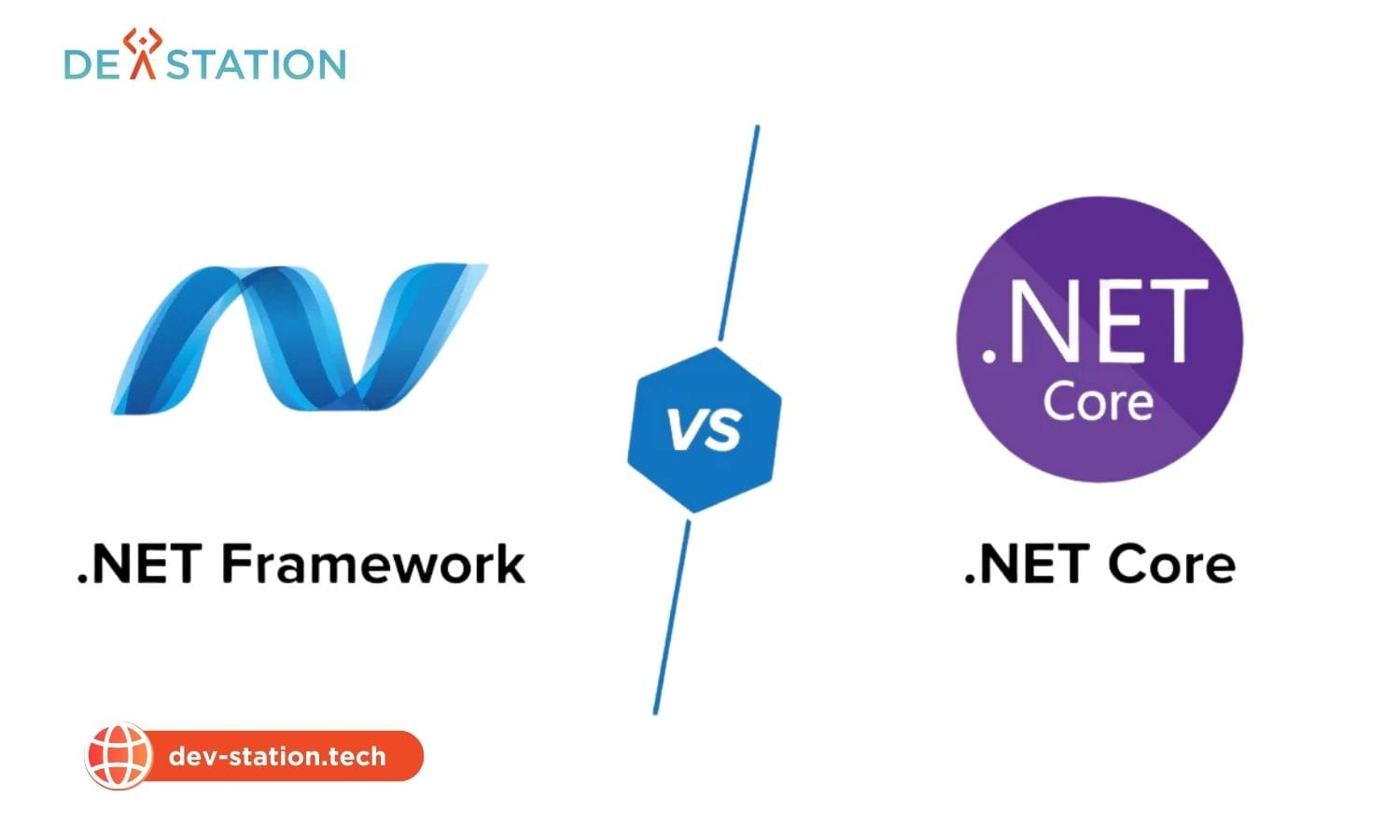
The .NET ecosystem has undergone a fundamental shift. Microsoft discontinued .NET Framework development after version 4.8.1, redirecting all innovation to .NET Core (rebranded as simply .NET starting with .NET 5). For enterprises still running .NET Framework applications, understanding the differences is critical to making an informed migration decision.
Faster application startup time on .NET Core vs .NET Framework
Lower memory consumption for high-throughput web APIs
Year Microsoft ends extended support for .NET Framework 4.8
Side-by-Side Comparison
| Feature | .NET Framework | .NET Core / .NET 8+ |
|---|---|---|
| Platform | Windows only | Cross-platform (Windows, Linux, macOS) |
| Deployment | IIS-dependent | Kestrel, Docker, cloud-native |
| Performance | Baseline | 30-50% faster (Span<T>, SIMD, tiered JIT) |
| Support Status | Maintenance only (4.8.1 is final) | Active development (LTS releases) |
| Microservices | Limited (WCF only) | First-class (gRPC, minimal APIs) |
| Container Support | Poor (large images, IIS dependency) | Excellent (native Docker, minimal base images) |
Migration
02
Migrating from .NET Framework to .NET Core: A 5-Step Guide
A successful migration requires careful planning. Rushing the process without assessing dependencies often leads to broken builds, missing NuGet packages, and runtime errors in production. The following five-step framework ensures a controlled, low-risk transition.
- Run the .NET Portability Analyzer. Before writing any code, run Microsoft’s .NET Portability Analyzer against your existing assemblies. This tool generates a detailed report showing what percentage of your code is compatible with .NET Core, and flags specific APIs that require replacement. Most enterprise applications score between 70-90% compatibility, with the remaining gaps concentrated in Windows-specific features like WCF, AppDomains, and reflection emit.
- Replace Incompatible NuGet Packages. Many legacy NuGet packages target .NET Framework only. Search for modern alternatives or check if the package author has released a .NET Standard-compatible version. Common replacements include switching from System.Configuration to Microsoft.Extensions.Configuration, and from WCF to gRPC or REST clients.
- Refactor Windows-Specific Dependencies. Replace WCF services with ASP.NET Core Web APIs or gRPC. Swap AppDomains for process isolation. Update registry access to use configuration files or environment variables. Remove IIS-specific modules and replace them with Kestrel middleware.
- Update Configuration and Dependency Injection. Migrate from web.config and app.config to appsettings.json. Implement built-in dependency injection using Microsoft.Extensions.DependencyInjection. Replace HttpContext.Current with IHttpContextAccessor injected via constructor.
- Deploy with Docker and Benchmark. Containerize the migrated application using a minimal .NET runtime base image. Deploy to your staging environment and run performance benchmarks against the legacy version. Most teams observe 30-50% improvement in throughput and memory usage immediately after migration.
Code
03
Key Migration Code Changes
Configuration: Before vs After
// .NET Framework (web.config)
var connString = ConfigurationManager.ConnectionStrings["Db"].ConnectionString;

// .NET Core (appsettings.json + DI)
public class MyService
{
    private readonly string _connString;
    public MyService(IConfiguration config)
    {
        _connString = config.GetConnectionString("Db");
    }
}
Startup: Before vs After
// .NET Framework (Global.asax)
protected void Application_Start()
{
    GlobalConfiguration.Configure(WebApiConfig.Register);
}

// .NET Core (Program.cs)
var builder = WebApplication.CreateBuilder(args);
builder.Services.AddControllers();
var app = builder.Build();
app.MapControllers();
app.Run();
Decision
04
When Should You Migrate?
Not every .NET Framework application needs immediate migration. Use the following criteria to prioritize:
- Migrate now: Web APIs, microservices, cloud-bound applications, and any project requiring cross-platform deployment or Docker containerization.
- Migrate soon: Internal web applications using ASP.NET MVC or Web API that are still in active development.
- Hold off: Desktop WPF applications (use .NET 8 for desktop instead), legacy WCF services with no modernization budget, or stable applications with no planned feature work.
Services
05
Expert .NET Migration Services from Dev Station Technology
Migrating a production .NET Framework application to .NET Core requires careful planning, automated test coverage, and zero-downtime deployment strategies. At Dev Station Technology, our custom software development services include end-to-end .NET migration with the following guarantees:
- Full API compatibility audit before any code changes
- Automated regression testing with 90%+ code coverage
- Blue-green deployment strategy for zero-downtime cutover
- Post-migration performance benchmarking and optimization
- If your enterprise needs to hire .NET developers for migration projects, our Vietnam-based ODC provides senior engineers at competitive rates.
Whether you need to migrate a single microservice or an entire enterprise monolith, our team has the expertise to ensure a smooth, cost-effective transition to modern .NET.
Want an AI assistant to summarize or cite this guide?
Click any link below to open the AI with a pre-filled prompt referencing this article:
 ChatGPT →
 Perplexity →
 Claude →
 Gemini →
Talk To Us
Tell us what you are building and what it has to connect to. An engineer answers, and you get a straight view of what the work would take.
Get In Touch →