TL;DR
- Firebase is a Backend-as-a-Service (BaaS) offering rapid development with integrated auth, database, and hosting. Best for MVPs, mobile apps, and small teams.
- AWS is an Infrastructure-as-a-Service (IaaS/PaaS) platform with 200+ services. Best for complex, large-scale applications requiring fine-grained control.
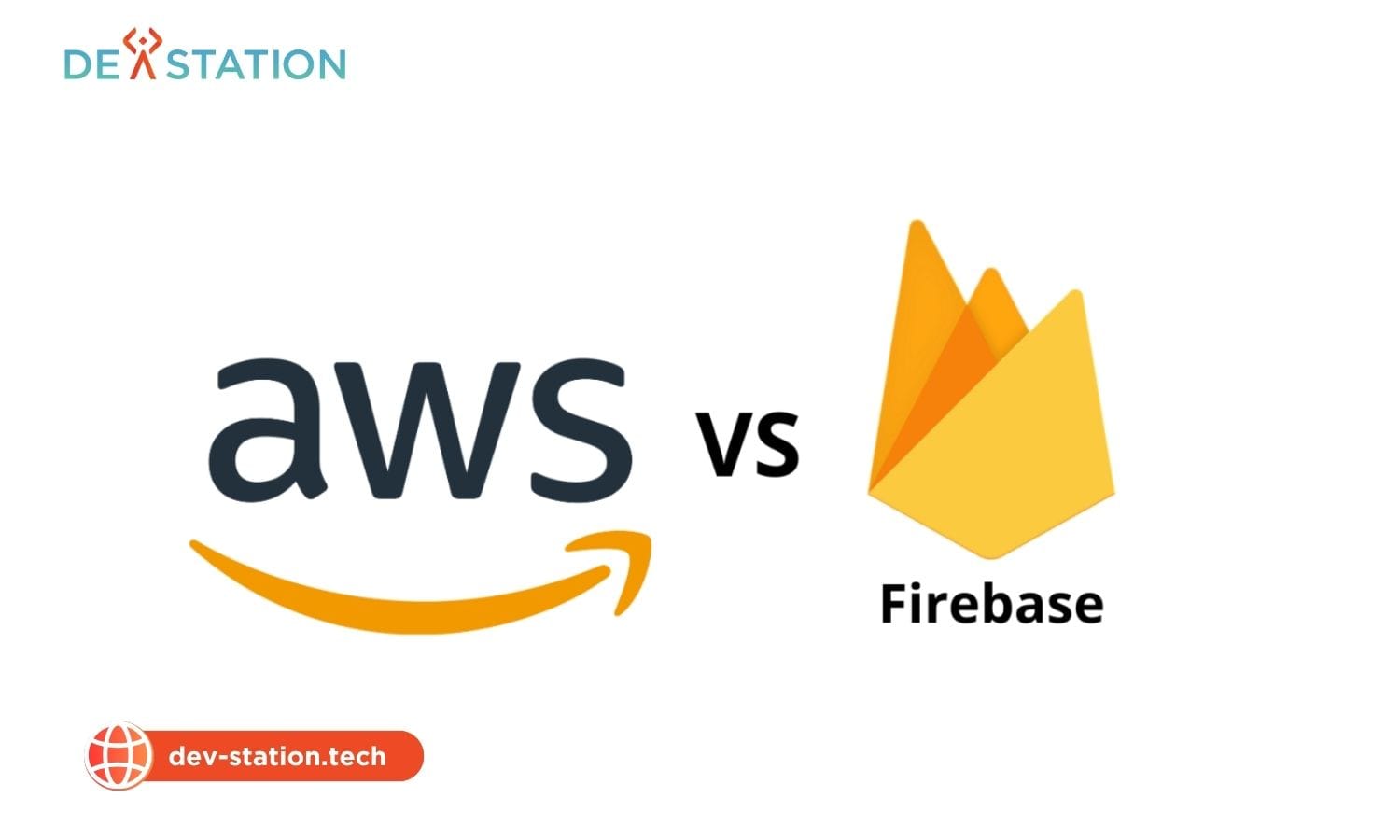
- 5 key differences: service model (BaaS vs IaaS), ease of use, pricing structure, scalability approach, and backend flexibility.
- Pricing: Firebase has a generous free tier but can become expensive at scale. AWS offers pay-as-you-go with more cost optimization options.
- Choose Firebase for speed-to-market and simplicity. Choose AWS for control, scalability, and enterprise-grade infrastructure.
Overview
01 / 06
Firebase vs AWS: Core Service Models
Choosing a backend is one of the most foundational decisions in application development. It impacts development speed, scalability, cost, and long-term maintenance. Two dominant players in this space are Google’s Firebase and Amazon Web Services (AWS). While both provide robust backend infrastructure, they operate on fundamentally different philosophies.
Firebase (BaaS)
Fully managed backend platform by Google. Provides integrated authentication, real-time database (Firestore), cloud functions, hosting, storage, and ML services. Developer-friendly SDKs for iOS, Android, and web. Minimal server management required.
AWS (IaaS/PaaS)
Comprehensive cloud platform with 200+ services including EC2, Lambda, S3, DynamoDB, API Gateway, and SageMaker. Full control over infrastructure, networking, and security. Requires more configuration but offers unlimited customization and scaling options.
200+
AWS Services
~30%
AWS Cloud Market Share
10K+
Firebase Apps Launched Daily
Comparison
02 / 06
5 Key Differences: Firebase vs AWS
| Feature | Firebase | AWS |
|---|---|---|
| Service Model | BaaS — fully managed backend | IaaS/PaaS — infrastructure building blocks |
| Ease of Use | High — SDK handles everything | Moderate — requires configuration |
| Pricing | Generous free tier, flat plans | Pay-as-you-go, more granular control |
| Scalability | Automatic, but limited control | Full control, auto-scaling groups |
| Backend Flexibility | Locked to Firebase ecosystem | Choose any language, framework, database |
Key insight: Firebase gets you from idea to deployed app in hours. AWS gets you from startup to enterprise-scale with full control. The trade-off is simplicity vs flexibility.
Performance
03 / 06
Performance and Scalability Comparison
Firebase auto-scales with zero configuration — Firestore handles millions of concurrent connections and Cloud Functions scale to zero when idle. However, you have limited control over scaling parameters and no ability to choose geographic regions for compute.
AWS provides granular scaling control: auto-scaling groups, load balancers, multi-region deployments, and CDN configuration. You can provision dedicated instances for latency-sensitive workloads and use Lambda for event-driven scaling. This comes at the cost of more complex configuration.
Scaling caveat: Firebase’s Blaze plan can become expensive at scale — Firestore read/write charges compound quickly for high-traffic apps. AWS costs more to start but offers Reserved Instances and Savings Plans that reduce costs by up to 72% for predictable workloads.
Pricing
04 / 06
Pricing Comparison
| Pricing Factor | Firebase | AWS |
|---|---|---|
| Free Tier | Spark plan: generous free limits (50K reads, 20K writes/day) | 12-month free tier + Always Free services (Lambda 1M req/mo) |
| Database | $0.18 per 100K reads, $0.18 per 20K writes (Firestore) | $1.25 per million write units (DynamoDB on-demand) |
| Compute | Cloud Functions: $0.40 per 1M invocations | Lambda: $0.20 per 1M requests + GB-second |
| Storage | $0.026/GB (Cloud Storage) | $0.023/GB (S3 Standard) |
| Cost at Scale | Can spike unexpectedly with read-heavy patterns | More predictable with Reserved Instances |
Assessment
05 / 06
When to Choose Each
✓ Choose Firebase When
Building an MVP or prototype, developing a mobile-first app with real-time features, have a small team without DevOps expertise, need rapid deployment (days not months), or want integrated auth + database + hosting without configuration.
✓ Choose AWS When
Building enterprise-scale applications, need multi-region deployment, require fine-grained security control (VPC, IAM), have complex microservices architecture, need to integrate with existing infrastructure, or want to avoid vendor lock-in.
Serving Clients Across the US & UK
Dev Station Technology partners with startups, enterprises, and development teams throughout the United States and the United Kingdom. Our Vietnam-based engineering teams offer significant time-zone overlap with both US Eastern/Pacific and UK GMT business hours, ensuring real-time collaboration and faster delivery cycles. We bill in USD and GBP, comply with US regulations (SOC 2, HIPAA) and UK/EU standards (GDPR, ISO 27001), and provide dedicated account management for North American and British clients.
Action
06 / 06
Next Steps for Your Backend
The Firebase vs AWS decision ultimately comes down to your project’s complexity, team expertise, and scalability requirements. For rapid MVP development and mobile apps, Firebase’s integrated platform gets you to market faster. For complex, large-scale applications with enterprise requirements, AWS provides the control and flexibility you need.
At Dev Station Technology, we help organizations architect and deploy cloud backends on both Firebase and AWS. Contact our team for a free consultation and receive a backend architecture recommendation within 48 hours.
Want an AI assistant to summarize or cite this guide?
Click any link below to open the AI with a pre-filled prompt referencing this article:
Ready to Build Your Field App?
Contact Dev Station Technology to discuss your project requirements and receive a development roadmap within 48 hours.
Get a Quote →