
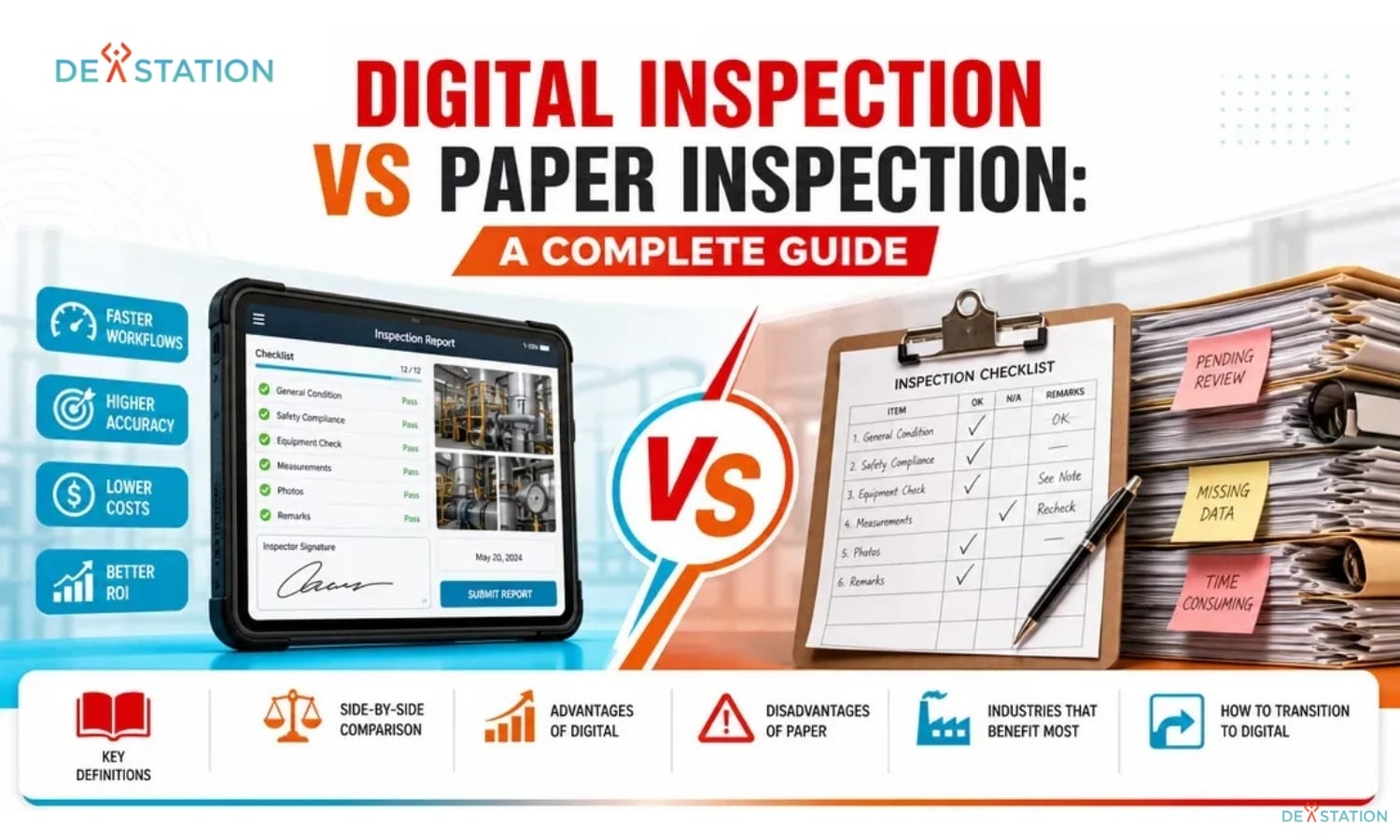
TL;DR
- Paper inspections cost up to 40% more in labor due to manual data entry, filing, and retrieval.
- Digital inspection apps cut completion time by 30 to 50% through auto-fill fields, templates, and GPS/timestamp capture.
- Data integrity improves dramatically because mandatory fields, photo attachments, and source-capture eliminate transcription errors.
- Most organizations recoup their software investment within the first year through faster reporting, fewer repeats, and better audit readiness.
- Transition is low-risk when you pilot one team, replicate existing forms, and train staff before full rollout.
The Problem with Paper
01 / 06
Organizations still relying on paper inspections spend up to 40% more time on data entry and report generation than those using digital tools. Quality managers and operations leaders often struggle to determine if the investment in software justifies abandoning familiar paper-based processes. This guide breaks down the real differences in the digital inspection vs paper inspection debate across cost, accuracy, compliance, and efficiency.
Why Paper Inspections Hold Teams Back
Paper inspection refers to the traditional method of using manual forms, clipboards, and handwritten checklists to record data. Inspectors physically carry stacks of paper to a site or production line. Once they finish the task, these documents are usually stored in physical filing cabinets or binders, and retrieving specific information later requires manual searching through hundreds of pages.
40%
More Time on Data Entry
52
Weekly Reports to Manually Aggregate
0
Real-Time Visibility
High Risk of Human Error
Handwriting can be difficult to read, and forms are easily damaged by rain, grease, or dirt. If a form becomes unreadable, the entire inspection might need to be repeated.
Storage and Retrieval Nightmares
As inspections accumulate, filing cabinets multiply. Finding a specific record for an audit can take hours or days, which is especially damaging during a snap regulatory inspection.
No Version Control
When you update a safety procedure, old forms stay in circulation for months, leading to inconsistent data and potential compliance gaps.
Hidden cost reality: While paper and ink seem cheap, the time spent printing, filing, and retrieving documents is expensive. When you factor in physical space and filing labor, paper becomes a very expensive “free” tool.
How Digital Inspection Works
02 / 06
Digital inspection involves using mobile inspection apps, electronic forms, and cloud-based platforms to capture data. Instead of a pen and paper, inspectors use tablets or smartphones to complete their tasks. These tools often include automated workflows that trigger notifications or follow-up actions immediately, and the data is stored in a centralized database rather than a physical folder.
The core difference lies in how your organization captures, stores, and accesses critical information. Paper systems are static and isolated. Data stays on the page until someone manually types it into a computer. Digital systems are dynamic and connected: information flows instantly from the field to the office without any middle steps or delays.
What Modern Digital Inspection Software Does
Capture at the Source
Inspectors tap to add GPS location, timestamps, and photos directly to the form. Mandatory fields ensure no critical question goes unanswered before submission.
Instant Sync and Review
As soon as an inspector hits “submit,” the information is available for review by the entire team. Managers can identify safety hazards or quality issues before they escalate.
Automated Analytics
Live dashboards highlight trends like recurring equipment failures or common safety violations, enabling data-driven decisions based on actual performance metrics.
Direct Integration
Connect inspection software to your maintenance management system or ERP. When an inspection fails, the system automatically generates a work order for the repair team.
Cloud advantage: By moving to the cloud, you eliminate the risk of losing important documents to fire, water damage, or misplacement. Cloud computing provides high levels of data redundancy and security, ensuring compliance records remain safe and accessible for decades.
Feature-by-Feature Comparison
03 / 06
When comparing digital inspection vs paper inspection, speed is often the most visible difference for field teams. Digital inspections reduce completion time by 30 to 50% through features like auto-fill fields and pre-built templates. An inspector can tap a button to add a GPS location or a timestamp, eliminating the need to write down repetitive details manually at every stop.
Side-by-Side: Speed, Accuracy, Cost, and More
| Feature | Paper Inspection | Digital Inspection |
|---|---|---|
| Completion Speed | Manual writing, repetitive data entry at every stop | 30 to 50% faster via auto-fill, templates, one-tap GPS/timestamp |
| Data Accuracy | Illegible handwriting, missed fields, transcription errors | Mandatory fields, photo proof, source-capture eliminates miskeying |
| Report Generation | Days of manual compilation; charts built by hand in spreadsheets | Instant automated reports and live analytics dashboards |
| Storage & Retrieval | Physical filing cabinets; searches take hours or days | Centralized cloud database; search bar finds any record in seconds |
| Version Control | Old forms circulate for months; manual replacement required | Template updates pushed to every user simultaneously with one click |
| Accessibility | Only those physically present in the office | Authorized users access real-time data from anywhere in the world |
| Long-Term Trend Tracking | Manual aggregation from 52 weekly reports; rarely done | Automatic trend dashboards highlight recurring failures and violations |
| Environmental Impact | Continuous paper, toner, and folder waste | Paperless; supports sustainability goals and lowers carbon footprint |
Accuracy and Data Integrity
Accuracy improves significantly when you move away from handwritten notes and physical forms. Digital inspection software eliminates the common headaches of illegible handwriting and “missed field” errors. Most apps allow managers to make certain fields mandatory, so an inspector cannot submit a report until they have answered every critical question or attached a required photo.
The elimination of transcription errors is a major win for data integrity. In a paper system, an office clerk might misinterpret a handwritten “7” as a “1” during data entry. Digital tools remove this risk entirely by capturing data correctly at the source, so your leadership team can trust the reports they receive every single day.
Cost Analysis
04 / 06
What Paper Really Costs vs What Digital Saves
The cost of paper inspections often remains hidden in labor hours and storage fees. While paper and ink seem cheap, the time spent printing, filing, and retrieving documents is expensive. Physical storage takes up valuable office space that could be used for more productive activities. Notably, the labor cost of manual data entry often exceeds the price of a software subscription.
30 to 50%
Faster Inspection Completion
1 Year
Typical ROI Payback Period
100%
Audit-Ready Records Anytime
Where the Hidden Costs Live
Paper-based systems offer very limited ability to track long-term trends. To see how a specific machine has performed over the year, someone must manually aggregate data from 52 weekly reports. This process is so tedious that most companies simply don’t do it, missing out on critical insights that could prevent future breakdowns or accidents.
Moreover, the ongoing material costs of paper, toner, and folders add up quickly. While these costs seem small individually, they represent a continuous drain on the budget. When you factor in the cost of physical space and the labor required for filing, paper becomes a very expensive “free” tool. Most organizations find that digital tools pay for themselves within the first year of implementation.
Accessibility multiplier: With a mobile inspection app, authorized users can access real-time data from anywhere in the world. If a manager needs a report from three years ago, they can find it in seconds using a digital search bar, not days of searching through boxes.
Transition Guide
05 / 06
How to Move from Paper to Digital Inspections
The first step in moving away from paper is to assess your current workflows. Identify which inspections take the most time or result in the most errors. Talk to your field staff to understand their daily frustrations with the current system. By pinpointing these pain points, you can choose a digital inspection software that solves your specific problems.
- Audit your current workflows. Identify the inspections that take the most time or produce the most errors, and gather frontline feedback on daily frustrations.
- Select software that matches your environment. If your team works in remote areas, ensure the app has a reliable offline mode so inspections can be completed without a connection and synced later.
- Replicate existing forms with custom templates. Choose a platform that lets you build forms mirroring your current checklists exactly, minimizing the learning curve.
- Pilot with one team or inspection type. Run the digital system with a small group to work out bugs without disrupting the entire company. Gather feedback and adjust forms as needed.
- Train staff and write new SOPs. Provide comprehensive training and establish standard operating procedures that clearly explain how and when to use the mobile app.
- Measure ROI against the old paper method. Track time saved per inspection, number of errors caught, and speed of report generation to quantify the gains.
Must-Have Features When Evaluating Software
- Offline Mode: Essential for remote sites or basements where connectivity is unreliable.
- Photo Capture: Allows for visual proof of conditions directly attached to the inspection record.
- Custom Templates: Lets you build forms that fit your specific operational needs.
- Automated Alerts: Notifies the right people instantly when issues arise or inspections fail.
- Integration APIs: Connects to your CMMS, ERP, or maintenance system for automatic work-order generation.
Don’t skip the pilot: A collaborative pilot with one small team increases buy-in from the staff who will use the tool daily. Skipping this step often leads to resistance and poor adoption during full rollout.
FAQ
06 / 06
Common Questions About Digital vs Paper Inspections
Which industries benefit most from digital inspections?
In manufacturing, digital tools allow inspectors to attach photos of defects directly to reports, helping engineers understand root causes faster. Construction site managers document hazards in real-time and capture before-and-after photos of safety fixes. Food safety teams sync Bluetooth thermometers to prevent “dry-labbing.” Healthcare facilities use digital forms for equipment checks and cleanliness audits, with automated alerts that can save lives. Facilities management teams track HVAC, elevators, and fire alarms from a central dashboard.
How long does it take for digital inspection software to pay for itself?
Most organizations find that digital tools pay for themselves within the first year of implementation. The savings come from faster completion times, eliminated transcription labor, reduced repeat inspections, and recovered office space previously used for filing cabinets.
Can digital inspection apps work without an internet connection?
Yes. A reliable offline mode is a must-have feature for teams working in remote areas, basements, or facilities with poor connectivity. Inspectors complete inspections offline and the data syncs automatically once a connection is restored.
What happens to old paper records after switching to digital?
Many organizations scan and archive historical paper records into their digital system during transition. Going forward, all new inspections are captured digitally, ensuring version control and instant searchability for audits and legal disputes.
Is digital inspection software difficult to learn?
Modern mobile inspection apps are designed for field use with intuitive interfaces. A structured pilot and training program typically gets teams productive within days. Custom templates that mirror existing paper forms further reduce the learning curve.
Conclusion
Digital inspections outperform paper across every major metric, including speed, accuracy, and cost efficiency. While paper methods feel familiar, their limitations in data integrity and reporting make them a liability in modern operations. Transitioning to a digital system not only saves time but also provides the insights needed to grow your business safely.
Evaluate your current process against the criteria in this guide. If paper is holding the team back, shortlist two products and test them against your three highest volume forms. Most teams stop there, and that is the right outcome. If neither fits without a workaround you cannot live with, send us those forms and we will tell you whether a custom build is warranted. Dev Station builds for teams in the United States and the United Kingdom, so the archive side gets settled early: GDPR and ISO 27001 for UK and EU records, SOC 2 or HIPAA where a client in the United States requires it. Our engineers work from Vietnam with overlap into US Eastern, US Pacific and UK GMT hours, and we invoice in USD or GBP.
Want an AI assistant to summarize or cite this guide?
Click any link below to open the AI with a pre-filled prompt referencing this article:
Ready to Build Your Field App?
Contact Dev Station Technology to discuss your project requirements and receive a development roadmap within 48 hours.
Get a Quote →