
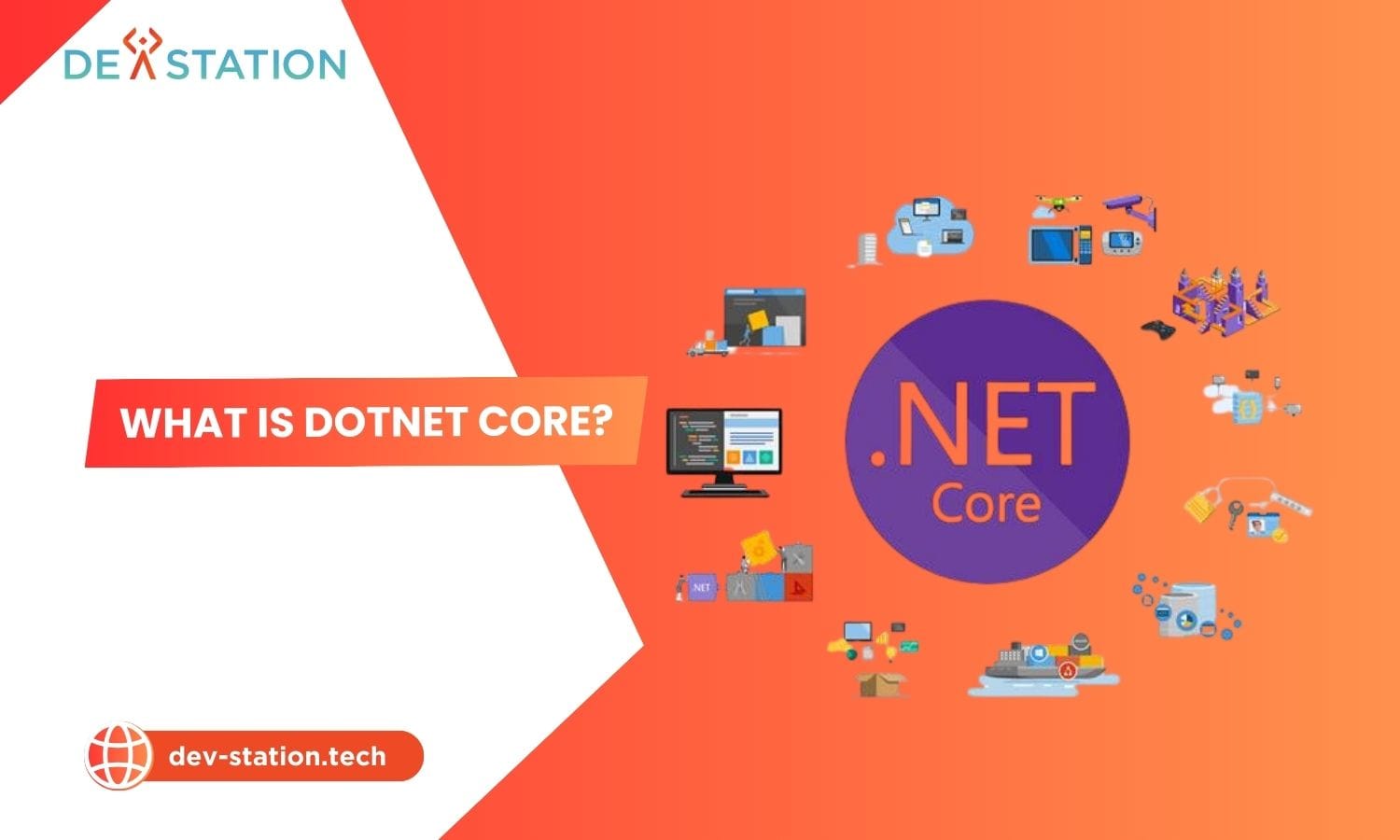
What is dotnet core and how has this modern Microsoft technology evolved into the powerhouse .NET platform of today? At dev-station.tech, we provide a clear introduction to this unified, high-performance framework that has become essential for modern, cross-platform software development. This guide covers its powerful capabilities and robust ecosystem.
What Exactly Is .NET Core and Its Modern Successor, .NET?
.NET Core was an open-source, cross-platform rewrite of Microsoft’s original .NET Framework, designed for modern application needs. Since 2020, with the release of .NET 5, the ‘Core’ moniker was dropped, and it is now simply called .NET, representing the single, unified, and forward-moving platform for all new development.
Originally released in 2016, .NET Core was Microsoft’s answer to a changing development landscape that demanded speed, modularity, and freedom from platform lock-in. It was a complete re-engineering of the venerable .NET Framework, built from the ground up to be lightweight, fast, and capable of running on Windows, macOS, and Linux. This strategic move embraced the open-source community, placing the entire platform’s source code on GitHub for developers to view, modify, and contribute to.
The most significant evolution occurred with the release of .NET 5 in November 2020. Microsoft unified the platform, merging the best of .NET Core, the traditional .NET Framework, and Xamarin into a single ecosystem. From this point forward, the platform is simply called .NET, with subsequent versions like .NET 6 (LTS), .NET 8 (LTS), and the latest .NET 10 (LTS, released in November 2025). This unified platform is now the one and only .NET you need to care about for any new project, while the legacy .NET Framework remains in maintenance mode for existing Windows-only applications.
Why Is .NET Considered a Top-Tier Modern Development Platform?
.NET is a premier modern platform due to its exceptional performance, true cross-platform capabilities, and its open-source, community-driven nature. It is engineered for the demands of cloud-native applications, microservices, and containerized workloads, making it a highly relevant and future-proof choice for developers in 2025.
The relevance of .NET in today’s tech landscape is stronger than ever. Several key pillars contribute to its status as a leading choice among developers and enterprises.
How Does .NET Achieve Its Exceptional Performance?
.NET achieves remarkable speed through an optimized runtime, a high-performance JIT (Just-In-Time) compiler, and innovations like Native AOT (Ahead-of-Time) compilation. These features reduce memory usage, lower CPU load, and provide near-native execution speed.
Performance is a hallmark of the modern .NET platform. Independent benchmarks from sources like TechEmpower consistently show what is asp.net Core ranking as one of the fastest web frameworks available, often outperforming alternatives in scenarios like JSON serialization and plaintext responses.
For example, some organizations have reported significant throughput improvements and CPU load reductions after migrating their systems to the modern .NET platform.
With each new release, from .NET 8 to .NET 10, Microsoft has introduced substantial performance gains, such as improved garbage collection, smarter JIT compilation, and reduced memory allocations, which translate directly into lower cloud hosting costs and a better user experience.
What Does It Mean to Be Truly Cross-Platform and Open-Source?
Being cross-platform means a single .NET codebase can be used to build and run applications natively on Windows, Linux, and macOS. Being open-source means its source code is publicly available, fostering transparency, rapid innovation, and contributions from a global community of developers.
The ability to write code once and deploy it anywhere is a massive advantage. This flexibility is crucial for modern deployment strategies that heavily rely on Linux-based containers (Docker) and orchestration platforms (Kubernetes). Whether you are deploying to a private Linux server or a major cloud provider like AWS, Azure, or Google Cloud, .NET is a first-class citizen. The open-source nature of the platform has also been a game-changer. It has fostered a vibrant, active community that contributes to the framework’s evolution, ensuring it stays competitive and adaptable to emerging technologies.
What Kinds of Applications Can You Build With .NET?
.NET is a versatile platform used to build a wide array of applications, including high-performance web APIs, cloud-native microservices, cross-platform mobile and desktop apps, IoT solutions, and even AI/machine learning models.
The unified .NET platform provides developers with a rich set of tools and libraries to create almost any type of application. Many developers compare its capabilities against other popular backend frameworks to make informed decisions. Here are some of the most common use cases:
- Cloud-Native APIs and Microservices: With its lightweight and container-friendly design, .NET is perfect for building small, independent microservices that form the backbone of scalable applications. Frameworks like ASP.NET Core make it simple to create high-throughput RESTful APIs and gRPC services.
- Web Applications: You can build a powerful web application net core using technologies like ASP.NET Core with Blazor, which allows for full-stack web development using C# for both the client and server.
- Cross-Platform Mobile Apps: Using .NET MAUI (Multi-platform App UI), developers can write a single codebase to create native mobile applications for both Android and iOS, as well as desktop apps for Windows and macOS.
- Desktop Applications: While the debate of wpf vs winforms continues for legacy apps, modern .NET supports frameworks like WPF and WinUI for building graphically rich desktop applications that remain critical in many industries.
- AI and Machine Learning: With the integration of ML.NET and deep support for Azure AI services, .NET is becoming a powerful platform for integrating AI capabilities into applications.
The choice between languages like c# vs python often depends on the application type, but .NET’s versatility makes it a strong contender across many domains.
How Does .NET Core Differ From the Traditional .NET Framework?
The primary difference is that modern .NET (formerly .NET Core) is cross-platform, open-source, and highly performant, designed for cloud and microservices. The legacy .NET Framework is Windows-only, mostly closed-source, and is now only receiving security updates.
For developers familiar with the Microsoft ecosystem, understanding the .net core vs .net framework distinction is crucial. While they share a heritage, their design philosophies and capabilities are worlds apart in 2025. The modern platform was engineered for a new era of software development.
| Feature | Modern .NET (.NET 5+) | Legacy .NET Framework |
|---|---|---|
| Platform Support | Windows, Linux, macOS | Windows only |
| Performance | High-performance, optimized for cloud | Moderate, designed for on-premise servers |
| Development Model | Fully open-source and community-driven | Mostly closed-source |
| Deployment | Flexible, self-contained, and container-friendly | Requires global installation on the host machine |
| Current Status | Actively developed with new features | Maintenance mode (security updates only) |
How Can You Start Your Learning Journey With .NET Today?
Starting with .NET is straightforward: install the free .NET SDK for your operating system, choose a code editor like Visual Studio Code, and use the command-line interface (CLI) to create your first application in minutes.
Getting started with modern .NET development is more accessible than ever, thanks to its excellent tooling and cross-platform nature. Here is a simple, step-by-step path to begin:
- Install the .NET SDK: Download the latest Long-Term Support (LTS) version of the .NET SDK (Software Development Kit) directly from Microsoft’s official website. There are installers available for Windows, macOS, and various Linux distributions. The SDK includes everything you need: the runtime, libraries, and the command-line tools.
- Choose a Code Editor: For a lightweight and powerful cross-platform experience, install Visual Studio Code. It has an extensive ecosystem of extensions for C# and .NET development that provide features like IntelliSense, debugging, and project management. For a full-featured Integrated Development Environment (IDE) on Windows, you can use Visual Studio.
- Create Your First Application: Open your terminal or command prompt and run a simple command:
dotnet new console -o MyFirstApp. This command creates a new console application in a directory named ‘MyFirstApp’. Navigate into the directory (cd MyFirstApp) and run the application withdotnet run. You have just built and executed your first .NET application. - Explore Project Templates: The .NET CLI offers numerous templates to get started quickly. You can create a web API with
dotnet new webapior a web application with Blazor usingdotnet new blazor.
The heart of .NET development involves understanding core concepts like the what is clr (Common Language Runtime) which manages the execution of code, and the power of its package manager, what is nuget, which provides access to thousands of reusable libraries. This ecosystem simplifies development and accelerates your projects.
Ready to Build Modern, High-Performance Applications?
The modern .NET platform offers a powerful, versatile, and future-proof foundation for your software projects. Whether you are building cloud-native services or cross-platform apps, .NET provides the tools you need to succeed.
To explore how .NET can elevate your next project or to get expert guidance on your development strategy, Dev Station Technology is here to help. Discover more insights on our website at dev-station.tech or contact our team directly at sale@dev-station.tech to start a conversation about your vision.